car rental booking system for your website
Add Car Rental Booking to Your Website
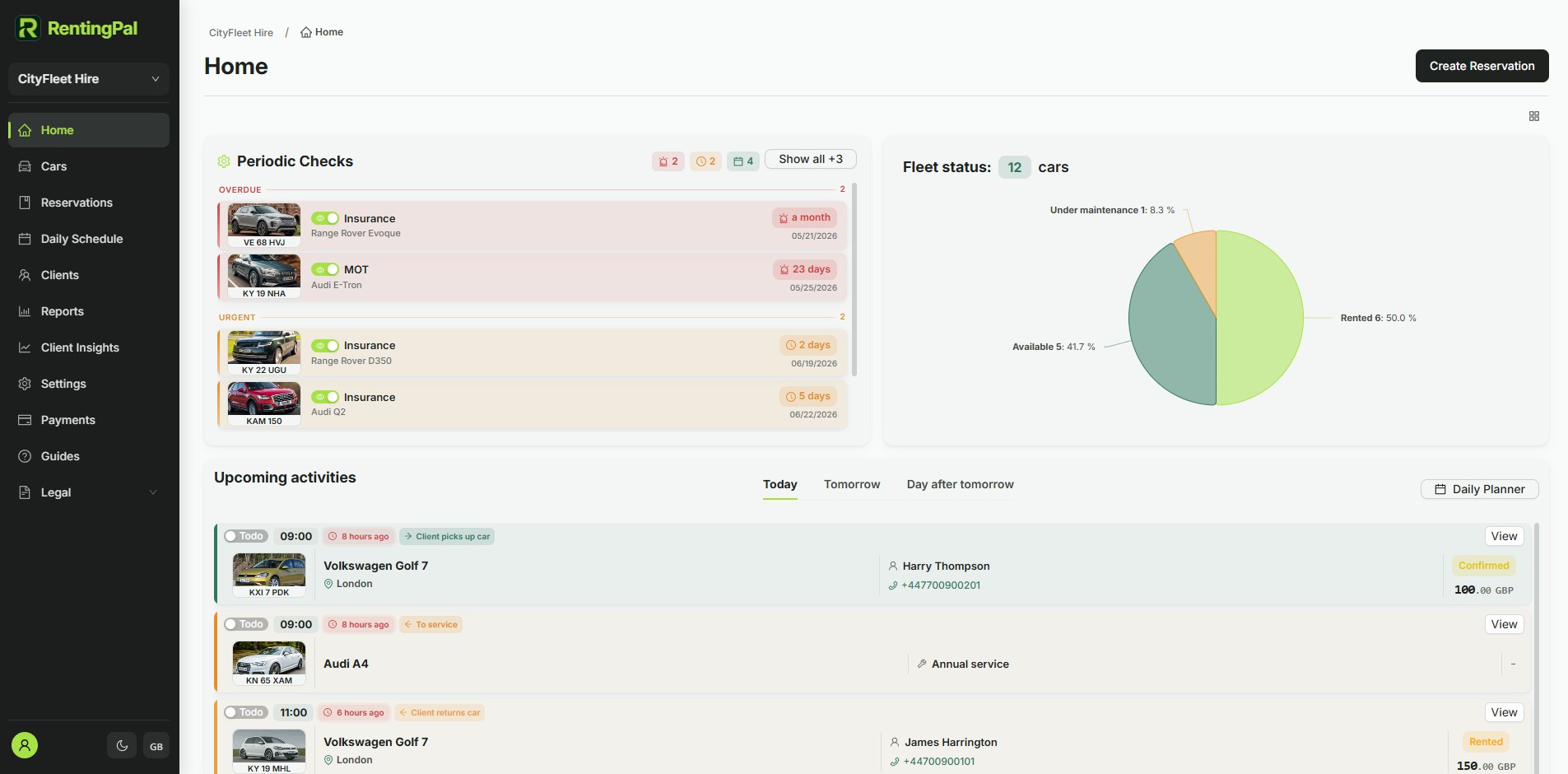
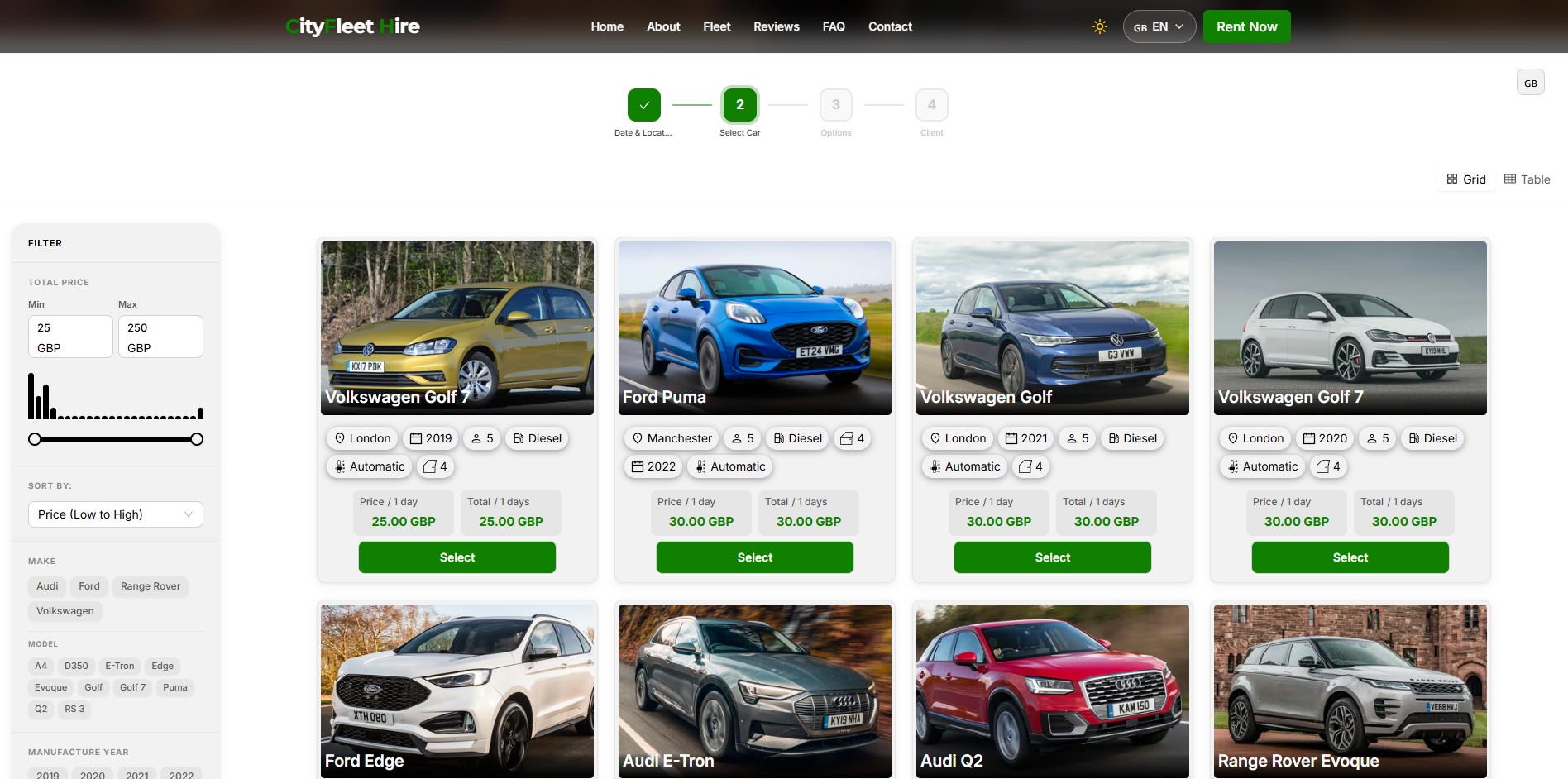
Most websites can present your rental business, but they do not manage vehicle availability, contracts, invoices, deposits or returns. RentingPal gives you two customer-facing options: a booking widget you embed into any existing website with a single script tag, or a ready-made hosted booking site if you do not have a website yet. Either way, your team manages the rentals in RentingPal after customers book: real-time availability, digital contracts with e-signature, invoices, damage records and reporting.
One-line install
Add booking to your website in one line of code
RentingPal gives you a single script tag. Paste it anywhere on the page and the widget renders in that exact spot, filling the full width of its container. No target div to wire up. Every reservation then lands in RentingPal, where your team runs the fleet.
<script id="renting-pal-widget-script" src="https://renting-pal.com/renting-pal-widget.js?fleet=YOUR_FLEET_ID"></script>Place the booking form wherever customers should book on your website. Give it enough width and space for every booking step, then test the full page on desktop and mobile.
- Copy the RentingPal widget script from your fleet's Widget Settings
- Paste it into any page that accepts HTML or custom code
- The script renders the car rental booking widget directly on your site, showing live availability and prices for your fleet
- After customers submit bookings, your team manages fleet, availability, contracts, invoices and records in RentingPal
RentingPal car rental booking system
Add car rental booking to your website
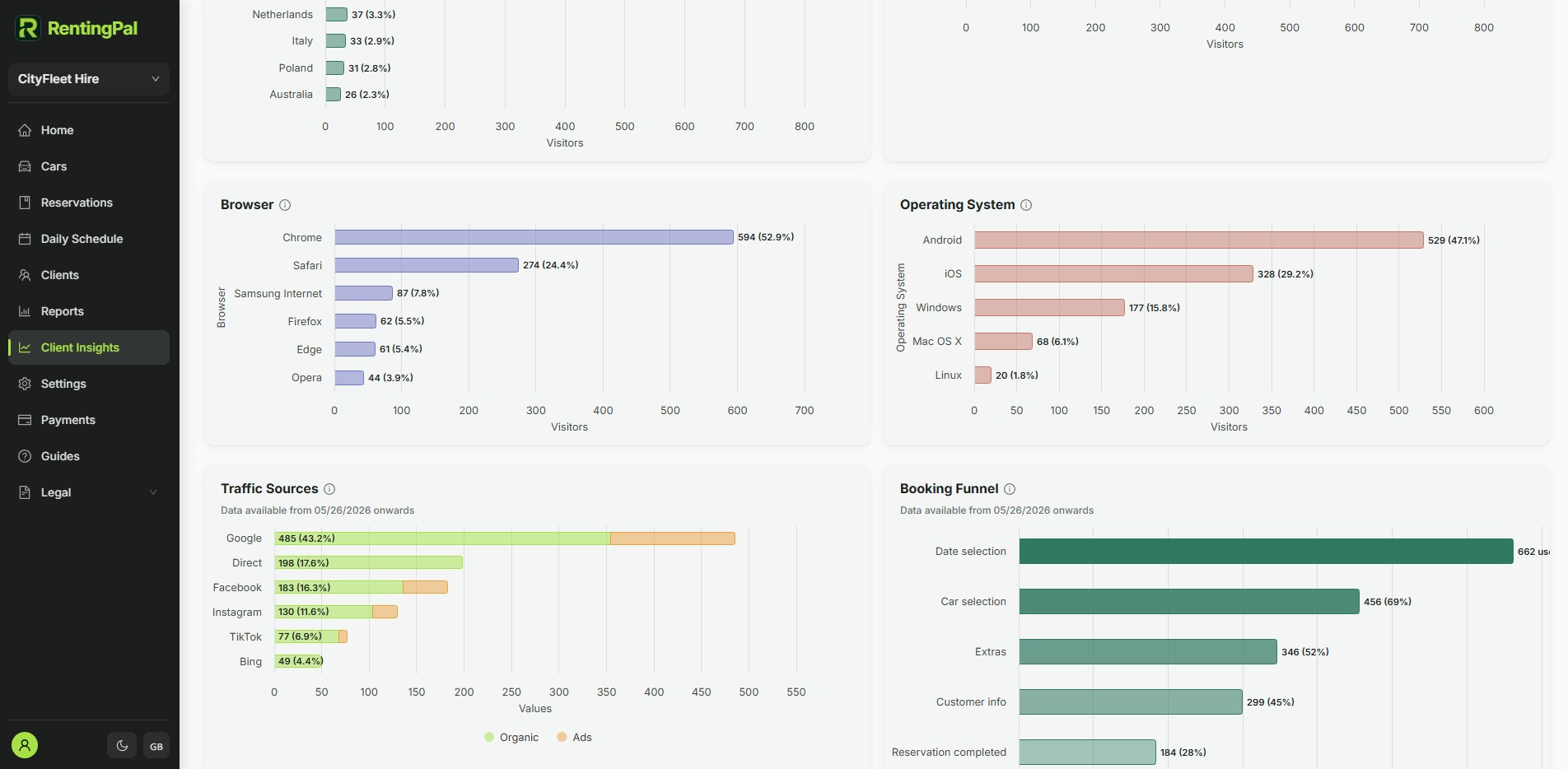
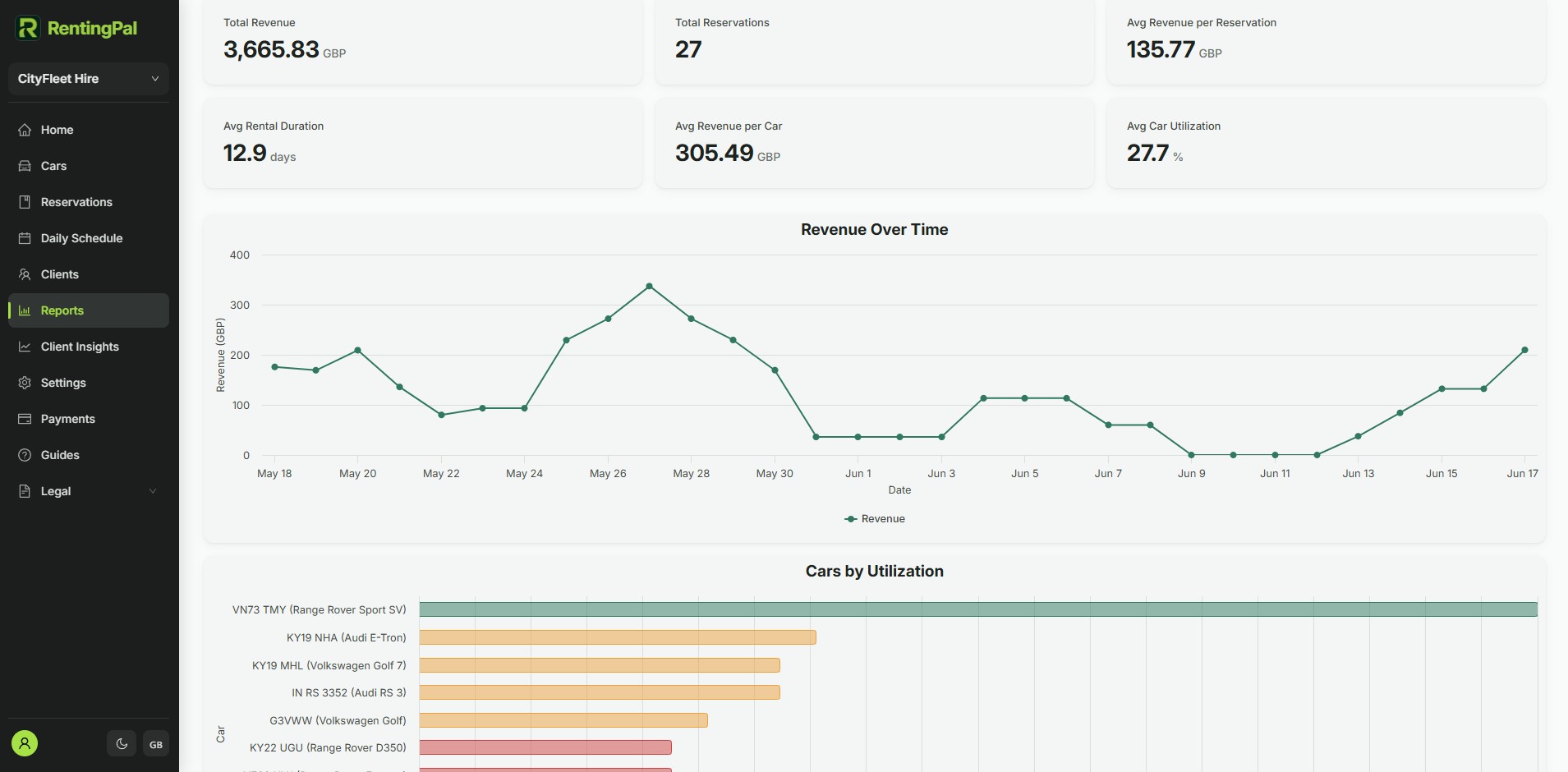
Give your website the booking flow customers expect. The script shows the widget on your website; the screenshots here show the RentingPal platform where your team manages reservations, live availability, contracts, invoices, support and fleet records after the booking comes in.
- Openly published pricing: €2 per car / month (€20 minimum), no quote needed
- 30-day free trial with no credit card required
- Built-in 24/7 online booking plus an embeddable widget for any website
- Available in any language, not limited to a fixed list
- Hands-on help migrating your existing data across
- Direct support from the people who build the product
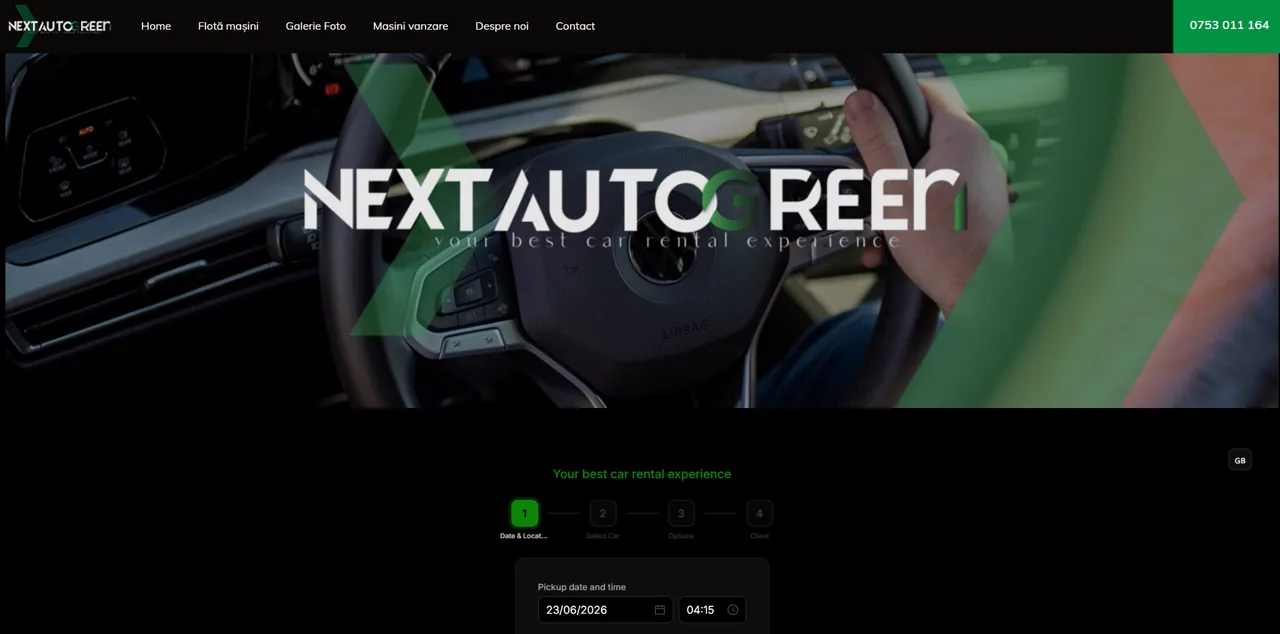
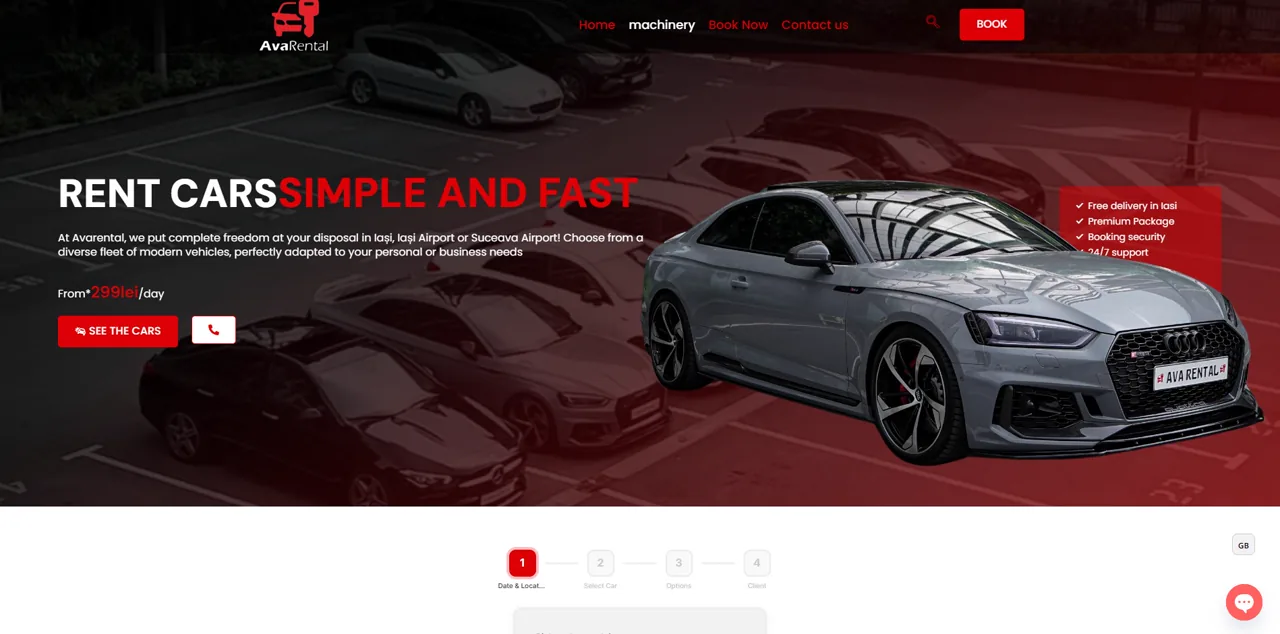
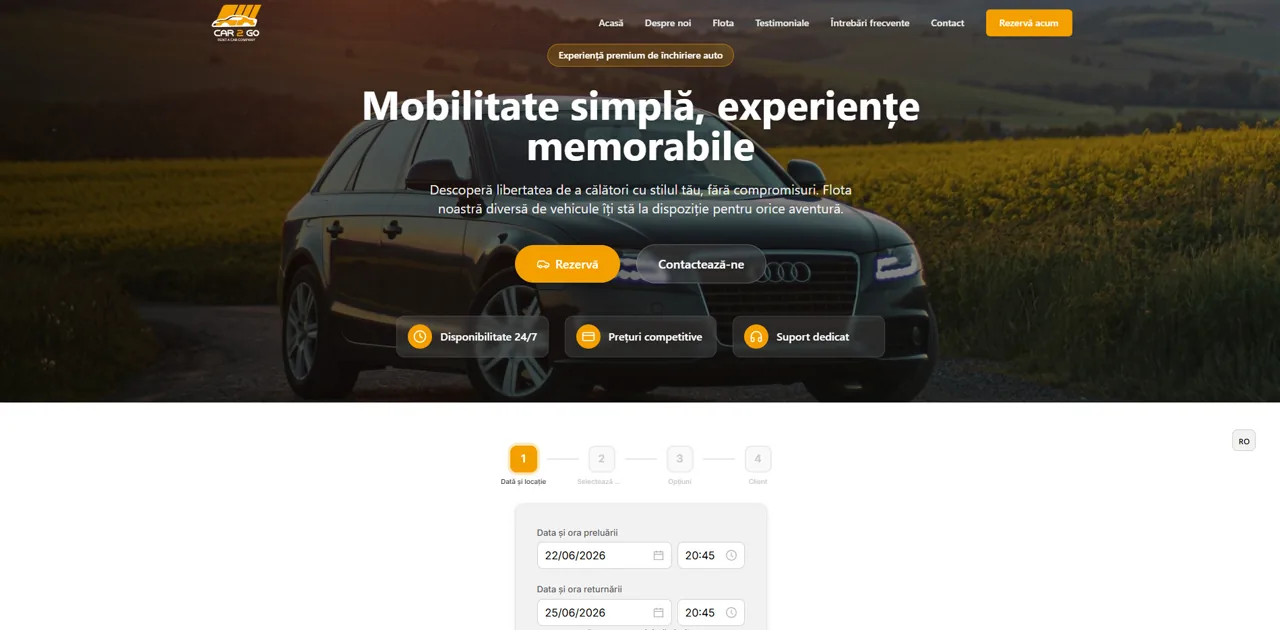
Rental businesses already run on RentingPal
Frequently asked questions
Is RentingPal a website plugin?
No. RentingPal gives you a script tag for your website. The script displays the booking widget for customers, while your team manages reservations, availability, contracts and invoices inside RentingPal instead of maintaining a plugin.
What if my website builder is not listed?
If your site supports HTML or custom code embeds, RentingPal can usually be added. If you are unsure, we can check it with you.
Can I take bookings without a website at all?
Yes. Every RentingPal fleet includes a hosted booking site: a simple page with your branding, cars and live availability that you can share directly with customers. No separate website or hosting is needed.
Does the widget match my branding?
The widget renders inside your own pages and follows your accent color, so it reads as part of your site rather than a third-party popup. A small 'Powered by RentingPal' badge is shown.
How much does the booking system cost?
The widget and hosted booking site are included in the standard RentingPal subscription: 2 EUR per car per month with a 20 EUR monthly minimum, every feature included, and a 30-day free trial without a credit card.
Which languages does the booking widget support?
The widget is available in English, German, Greek, Spanish, Arabic and Romanian, so customers can book in their own language while your team works in theirs.
Where does the widget render? Do I need a container div?
Place the booking form wherever customers should book on your website. Give it enough width and space for every booking step, then test the full page on desktop and mobile.
Is the widget responsive?
The booking form adapts to its available width. Some builders, including Wix, put it inside a separate HTML frame whose size you control. Check and resize that frame on desktop and mobile so results, quotes and Continue remain accessible.
Can I match it to my brand?
Yes. The widget reads background, foreground, accent color and language from the script URL, so you can align it with your site and choose the language. Your fleet's Widget Settings generates the final tag with these values for you.
More car rental website booking guides
 WordPress car rental booking
 Wix car rental booking
 Squarespace car rental booking
 Shopify car rental booking
 Webflow car rental booking
 WooCommerce car rental booking
 GoDaddy car rental booking
 Framer car rental booking
 Elementor car rental booking
 Hostinger car rental booking
 Duda car rental booking
 IONOS car rental booking
 Lovable car rental booking
 Bolt car rental booking
 Base44 car rental booking
Setup options may change, so confirm the latest embed/code features in your site builder. Book a demo