car rental form for wix

Add a Car Rental Booking Form to Wix

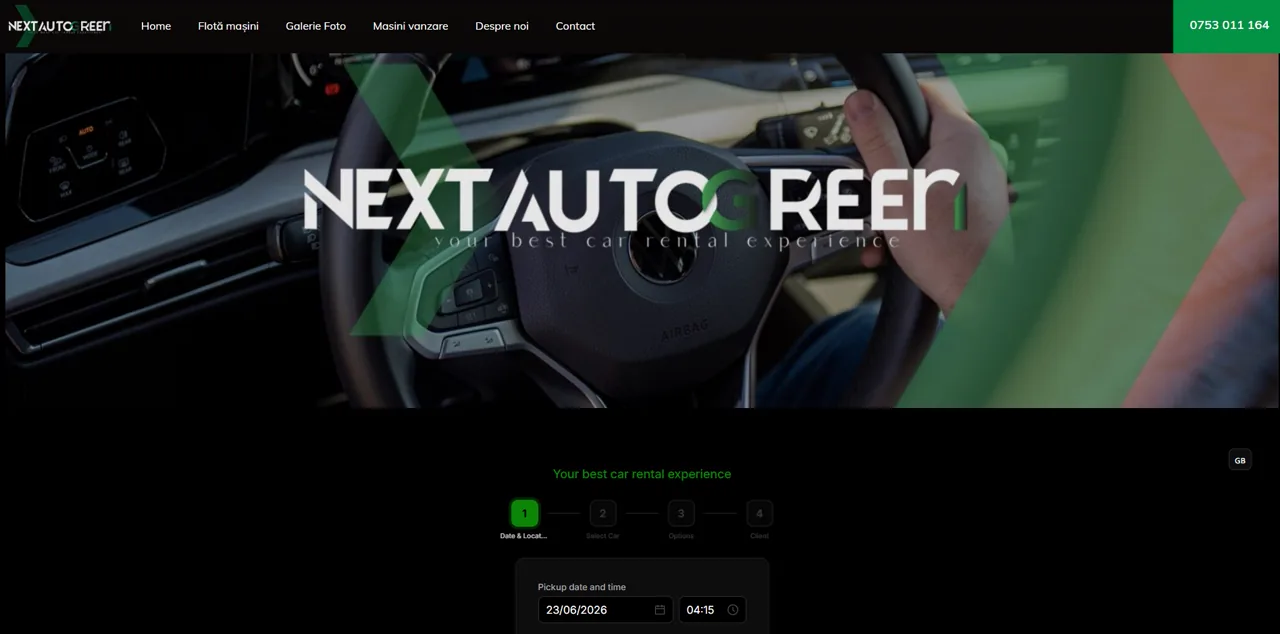
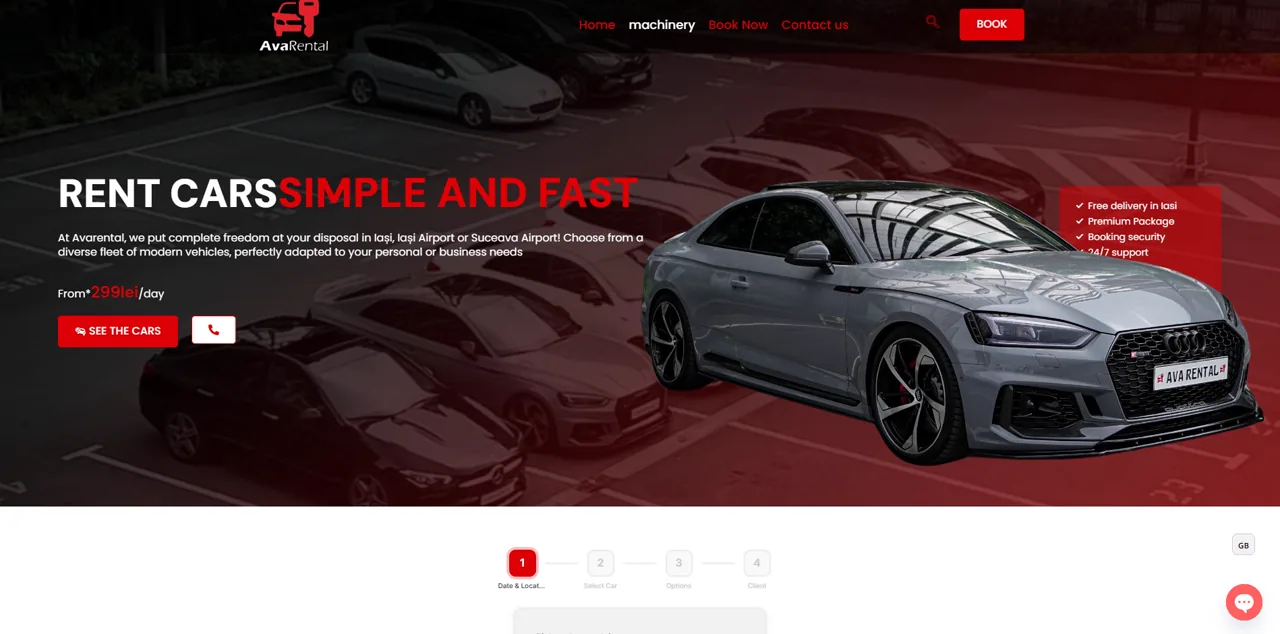
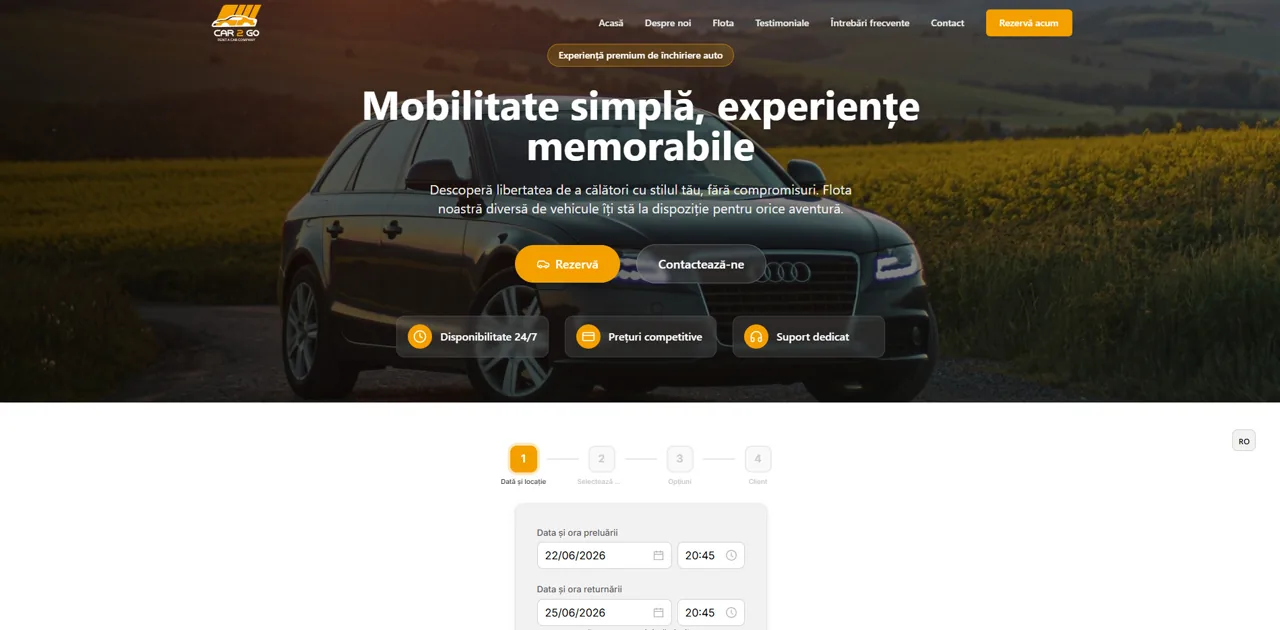
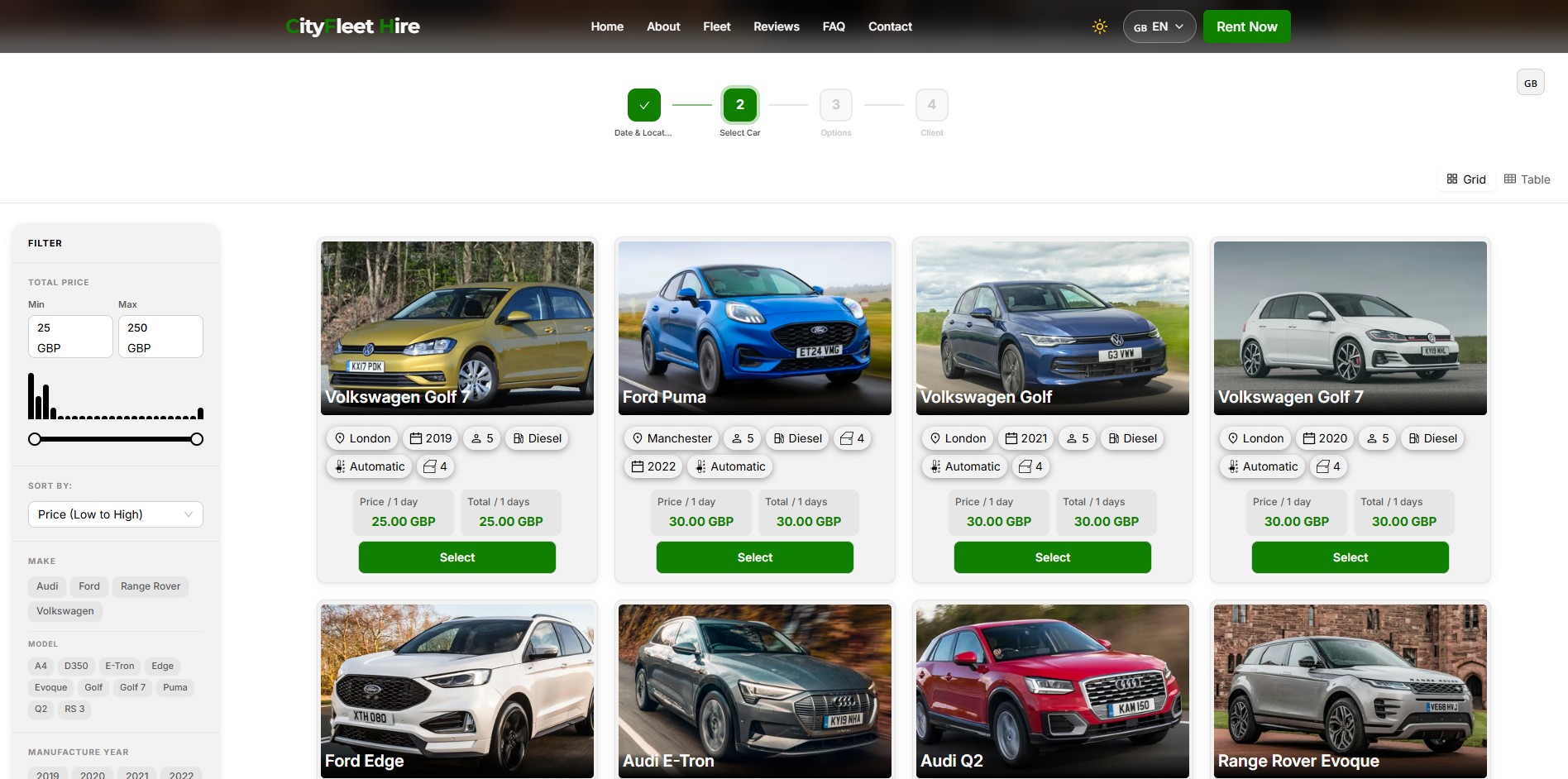
Wix is great for building a site quickly, but a basic contact form cannot show live vehicle availability or prevent double-bookings. RentingPal adds a car rental booking form to Wix that lets customers choose dates and available vehicles, while your team manages reservations, contracts, deposits and invoices in RentingPal.

Watch the Wix setup

Before you start, add your cars, rental prices and pickup locations in RentingPal. The video uses a fictional rental company and shows how to add bookings to an existing website.

One-line install

Add booking to your Wix site in one line of code

RentingPal gives you a single script tag. Paste it anywhere on the page and the widget renders in that exact spot, filling the full width of its container. No target div to wire up. Every reservation then lands in RentingPal, where your team runs the fleet.

Online Booking → Embed on your site → Reservations
<body style="margin:0">
<script id="renting-pal-widget-script" src="https://renting-pal.com/renting-pal-widget.js?fleet=YOUR_FLEET_ID"></script>
</body>

Place the booking form wherever customers should book on your website. Give it enough width and space for every booking step, then test the full page on desktop and mobile.

  • In RentingPal, open Online Booking from Home, choose Embed on your site, leave Reservations selected and copy your fleet’s code.
  • In HTML Settings, paste the copied script inside body tags, as in the example below. Replace YOUR_FLEET_ID with your own fleet ID. Select Update (or Apply).
  • The script shows customers a live car rental booking widget inside Wix
  • New reservations are managed in RentingPal with the rest of your fleet, contracts and invoices
Start Free Trial

How to add car rental booking in the Wix Editor

  1. In RentingPal, open Online Booking from Home, choose Embed on your site, leave Reservations selected and copy your fleet’s code.
  2. Open your page in the Wix Editor. Choose Add Elements → Embed Code → Popular Embeds → Embed HTML.
  3. In HTML Settings, paste the copied script inside body tags, as in the example below. Replace YOUR_FLEET_ID with your own fleet ID. Select Update (or Apply).
  4. Save and test the full page on desktop and mobile. Search dates, select a car, review the quote and reach customer details. Make sure no controls are cut off before publishing.
<body style="margin:0">
  <script id="renting-pal-widget-script"
    src="https://renting-pal.com/renting-pal-widget.js?fleet=YOUR_FLEET_ID"></script>
</body>

RentingPal car rental booking system

Add car rental booking to your Wix site

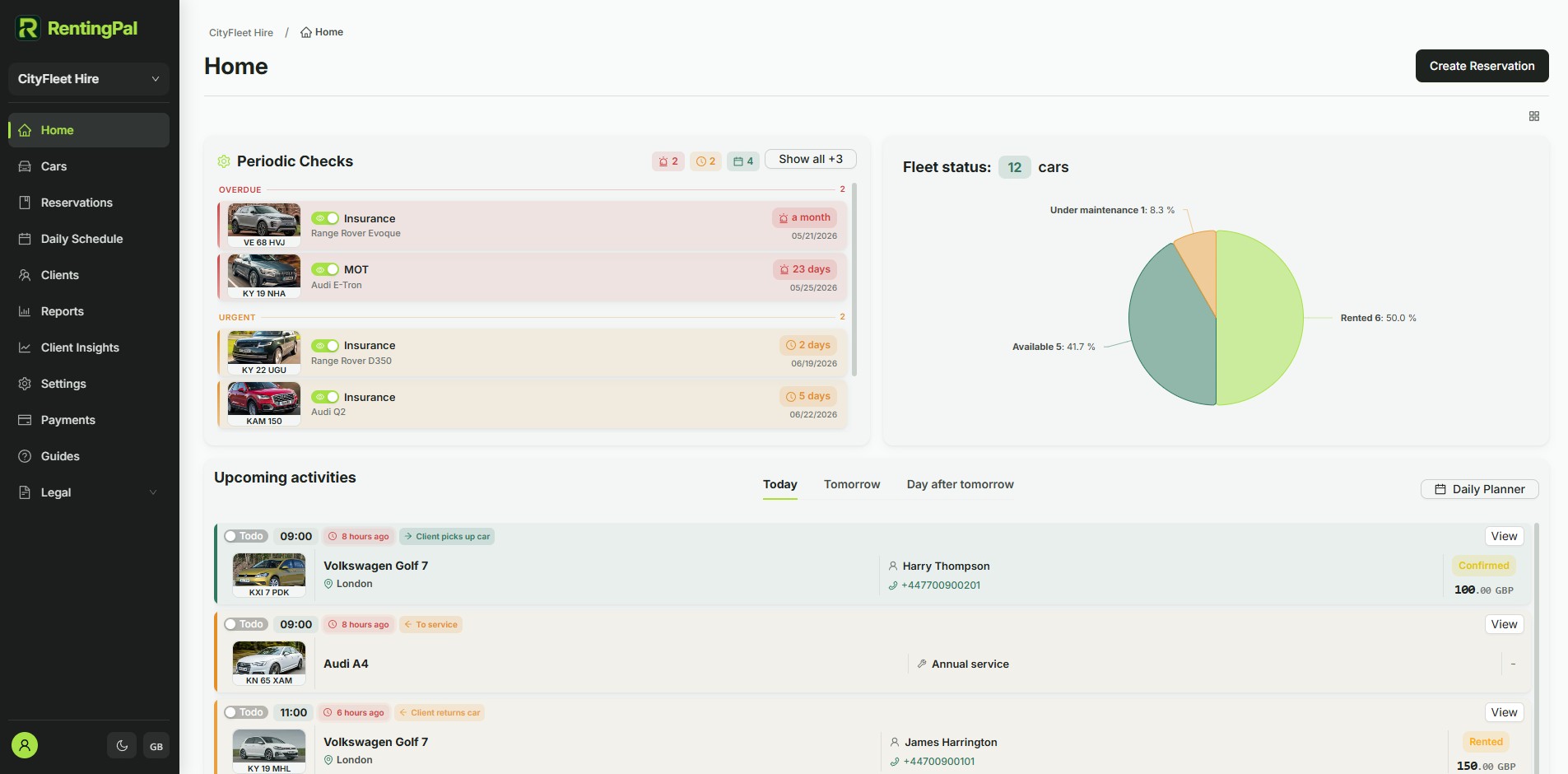
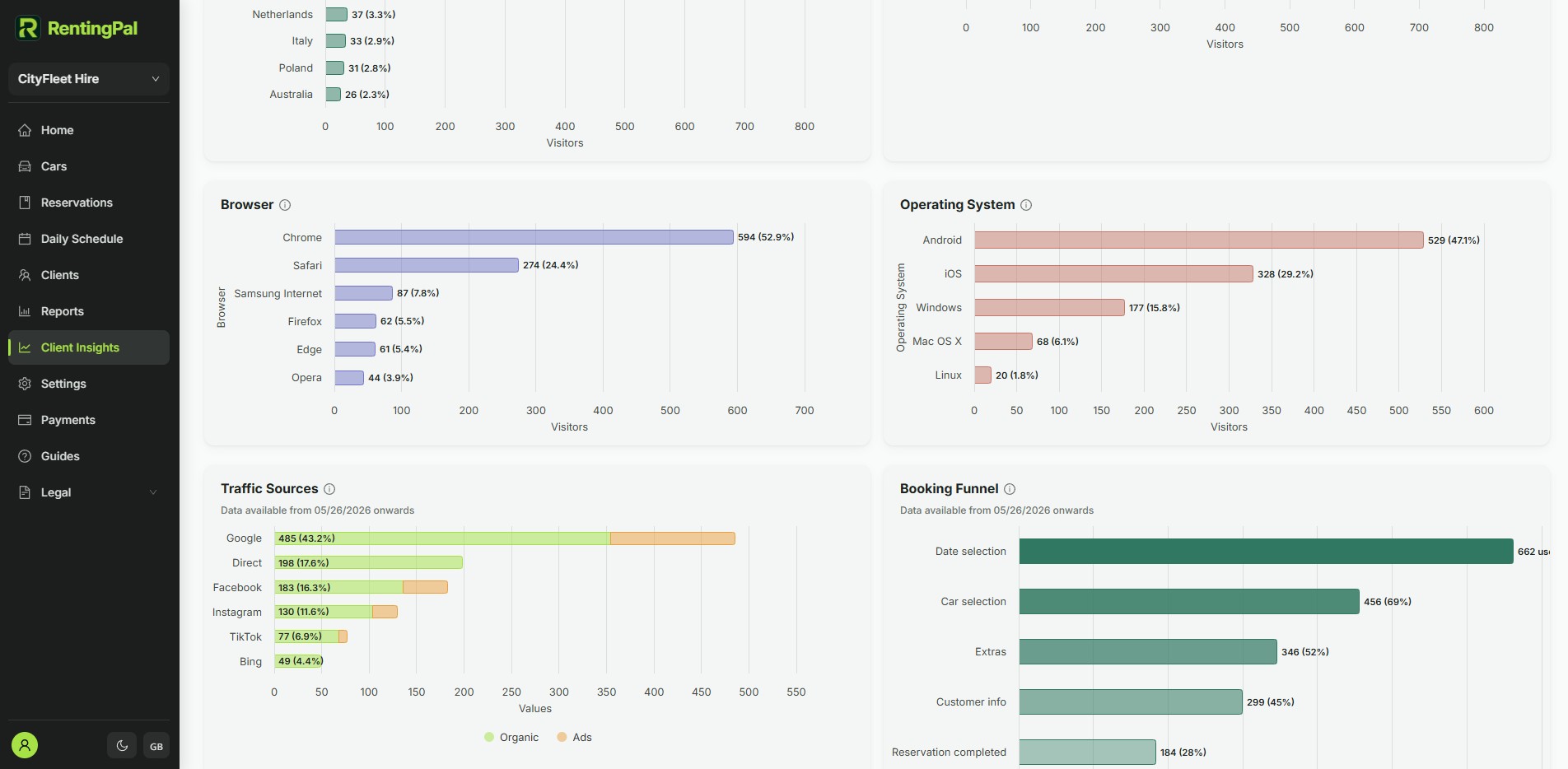
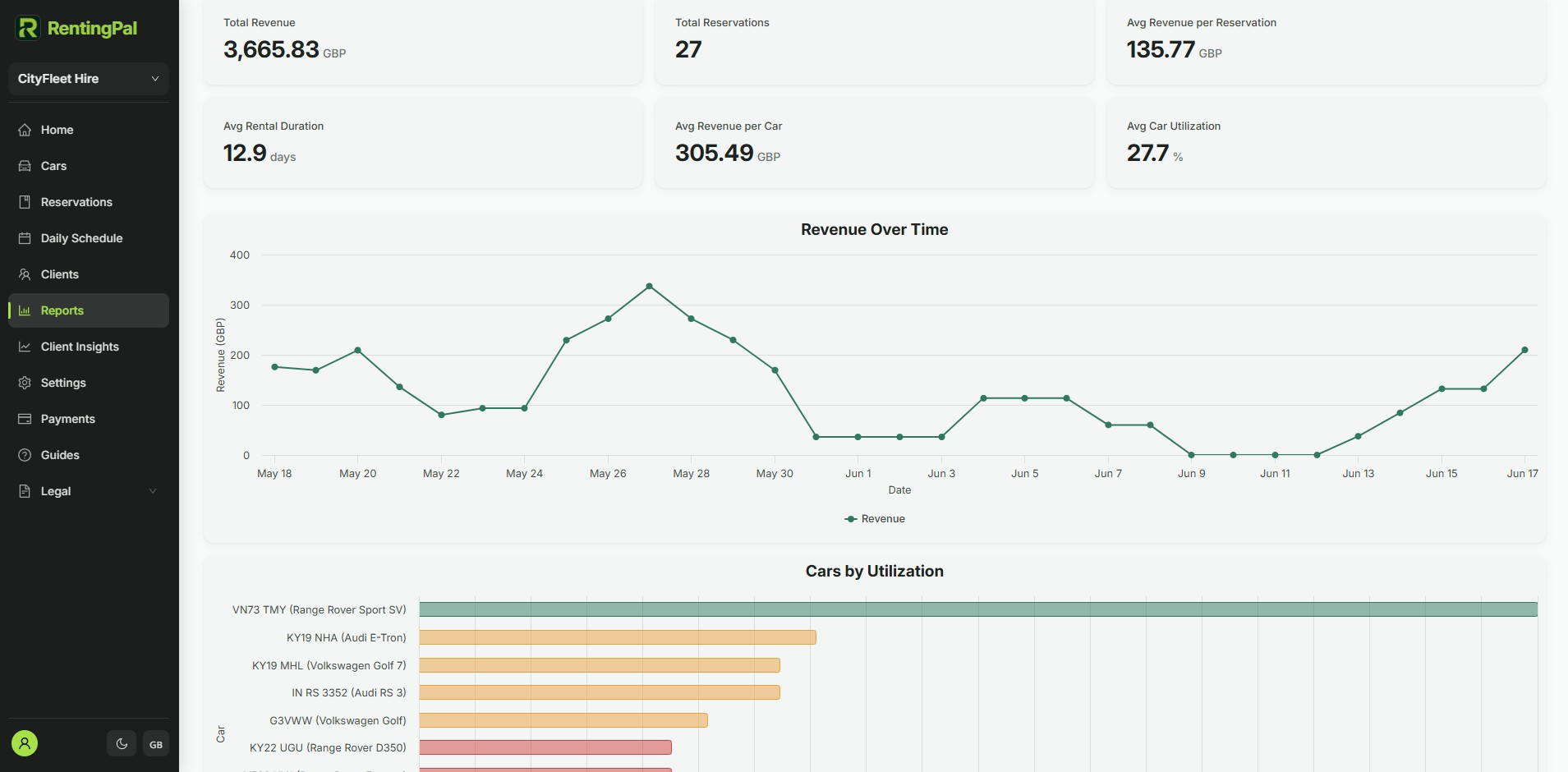
Give your Wix site the booking flow customers expect. The script shows the widget on your website; the screenshots here show the RentingPal platform where your team manages reservations, live availability, contracts, invoices, support and fleet records after the booking comes in.

  • Openly published pricing: €2 per car / month (€20 minimum), no quote needed
  • 30-day free trial with no credit card required
  • Built-in 24/7 online booking plus an embeddable widget for any website
  • Available in any language, not limited to a fixed list
  • Hands-on help migrating your existing data across
  • Direct support from the people who build the product

Rental businesses already run on RentingPal

Frequently asked questions

Is this a Wix car rental form or an app?

It is a live car rental booking form embedded in your Wix page with a script tag. Customers choose dates and available vehicles in the form, while your team manages reservations, contracts and invoices inside RentingPal. You do not need to maintain a separate Wix app.

Can I keep my Wix design?

Yes. You keep the Wix site and add RentingPal only where the booking flow should appear.

Why is my Wix booking widget blank or cut off?

Use Embed HTML in the Wix Editor and place the copied script inside body tags, as shown in the example. Select Update. Resize the outer HTML box on desktop and separately in the mobile editor, then test the car results, quote and Continue button. Wix may keep an internal scrollbar.

Is this tutorial for Wix Studio or the Wix Editor?

The video demonstrates the Wix Editor. Wix Studio has different editing and layout controls, so its setup is not shown here.

Where does the widget render? Do I need a container div?

Place the booking form wherever customers should book on your website. Give it enough width and space for every booking step, then test the full page on desktop and mobile.

Is the widget responsive?

The booking form adapts to its available width. Some builders, including Wix, put it inside a separate HTML frame whose size you control. Check and resize that frame on desktop and mobile so results, quotes and Continue remain accessible.

Can I match it to my brand?

Yes. The widget reads background, foreground, accent color and language from the script URL, so you can align it with your site and choose the language. Your fleet's Widget Settings generates the final tag with these values for you.

RentingPal is not affiliated with Wix. Platform names and trademarks belong to their respective owners. Setup options may change, so confirm the latest embed/code features in your site builder. Book a demo

Chat on WhatsApp