Is RentingPal a WordPress plugin?
No. RentingPal gives you a script tag for your WordPress site. The script displays the booking widget for customers, while your team manages reservations, availability, contracts and invoices inside RentingPal instead of maintaining a plugin.
Do I need to rebuild my WordPress site?
No. RentingPal works as an embedded booking flow, so your current theme, pages and hosting can stay as they are.
How do I add RentingPal to WordPress?
In RentingPal, open Online Booking from Home, choose Embed on your site, leave Reservations selected and copy your fleet’s code. In WordPress, add a Custom HTML block, paste the complete script and save. Test the page as a visitor.
Can I use RentingPal with Elementor?
Yes. Add Elementor's HTML widget to the booking section and paste the same generated RentingPal script into it. The widget renders where you place the HTML widget.
Why did WordPress remove the booking script after I saved it?
WordPress can remove script tags when your account or plan does not allow unfiltered HTML. WordPress.com requires a paid plan with hosting features activated. On self-hosted WordPress, ask an administrator or another user with permission to add the script.
Where does the widget render? Do I need a container div?
Place the booking form wherever customers should book on your website. Give it enough width and space for every booking step, then test the full page on desktop and mobile.
Is the widget responsive?
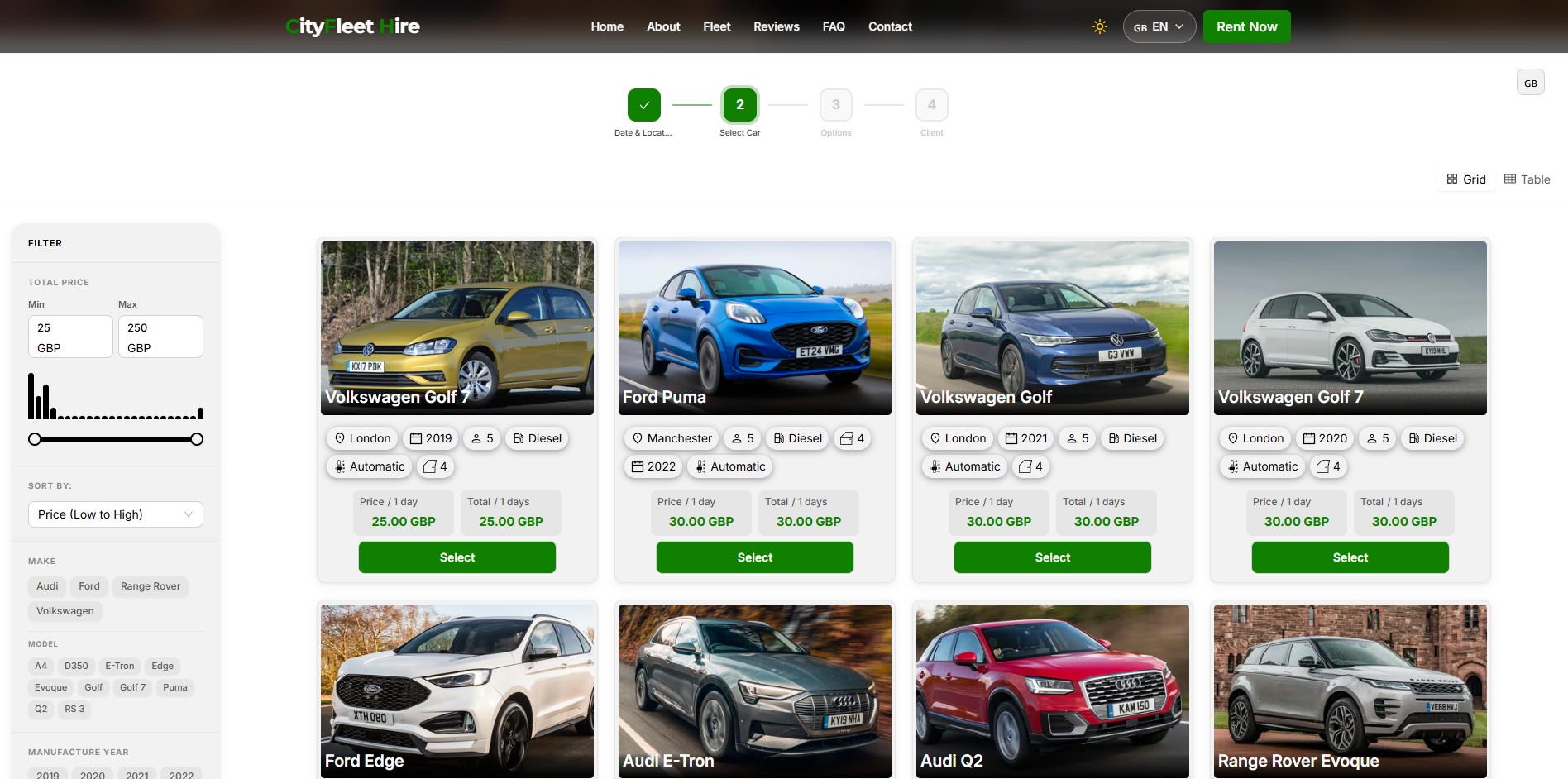
The booking form adapts to its available width. Some builders, including Wix, put it inside a separate HTML frame whose size you control. Check and resize that frame on desktop and mobile so results, quotes and Continue remain accessible.
Can I match it to my brand?
Yes. The widget reads background, foreground, accent color and language from the script URL, so you can align it with your site and choose the language. Your fleet's Widget Settings generates the final tag with these values for you.