webflow car rental booking
Add Car Rental Booking to Your Webflow Site
Webflow gives designers control over the website, but it does not include a rental engine for live availability, contracts, invoices and fleet operations. RentingPal lets the site stay custom while the booking widget and rental management platform work behind it.
One-line install
Add booking to your Webflow site in one line of code
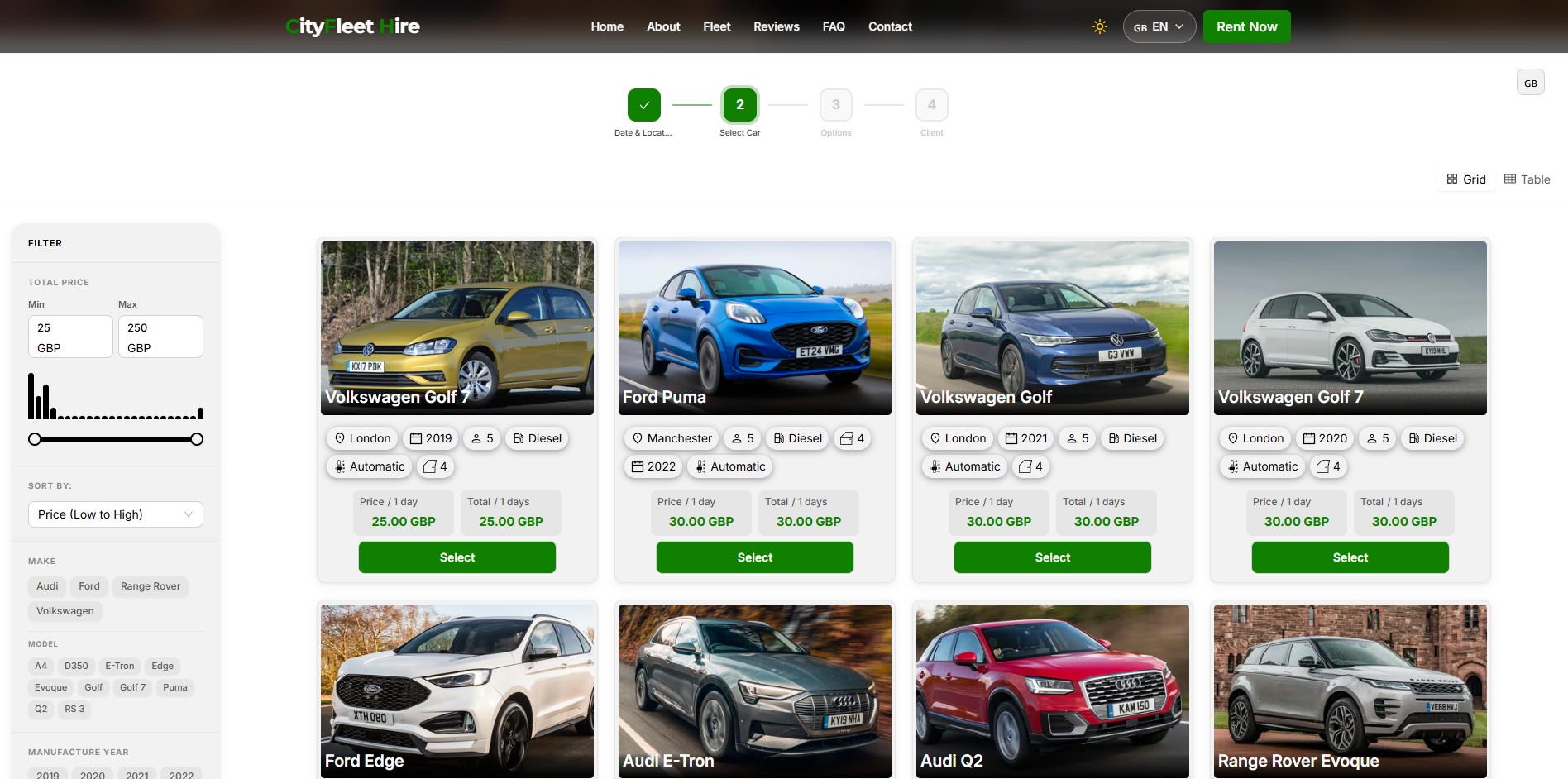
RentingPal gives you a single script tag. Paste it anywhere on the page and the widget renders in that exact spot, filling the full width of its container. No target div to wire up. Every reservation then lands in RentingPal, where your team runs the fleet.
<script id="renting-pal-widget-script" src="https://renting-pal.com/renting-pal-widget.js?fleet=YOUR_FLEET_ID"></script>Place the booking form wherever customers should book on your website. Give it enough width and space for every booking step, then test the full page on desktop and mobile.
- Copy the RentingPal widget script from Widget Settings
- Paste it into a Webflow Embed element in your designed booking section
- The script renders a live car rental booking widget inside the page
- Your team manages availability, cars, contracts, invoices and reservations inside RentingPal
RentingPal car rental booking system
Add car rental booking to your Webflow site
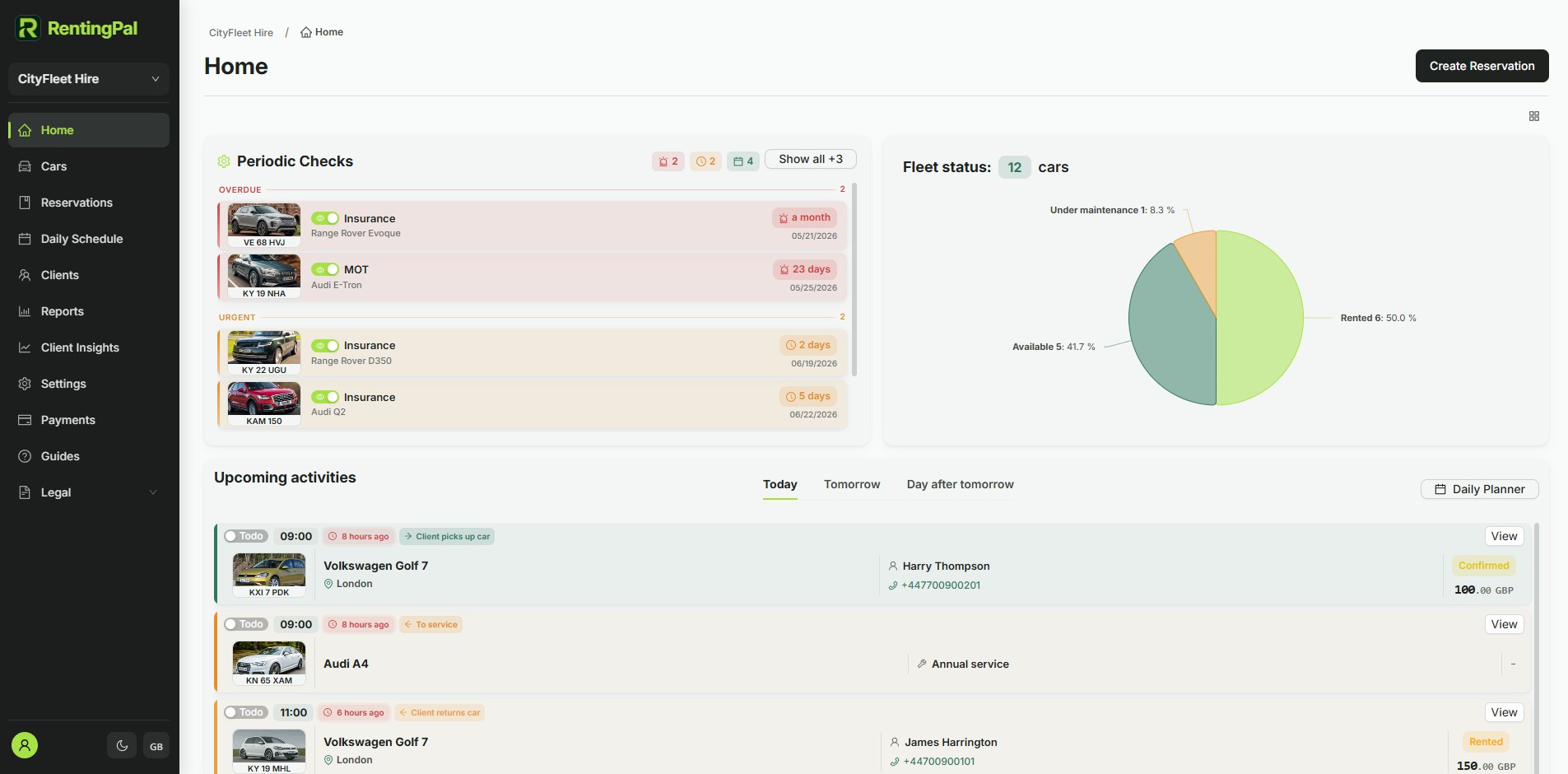
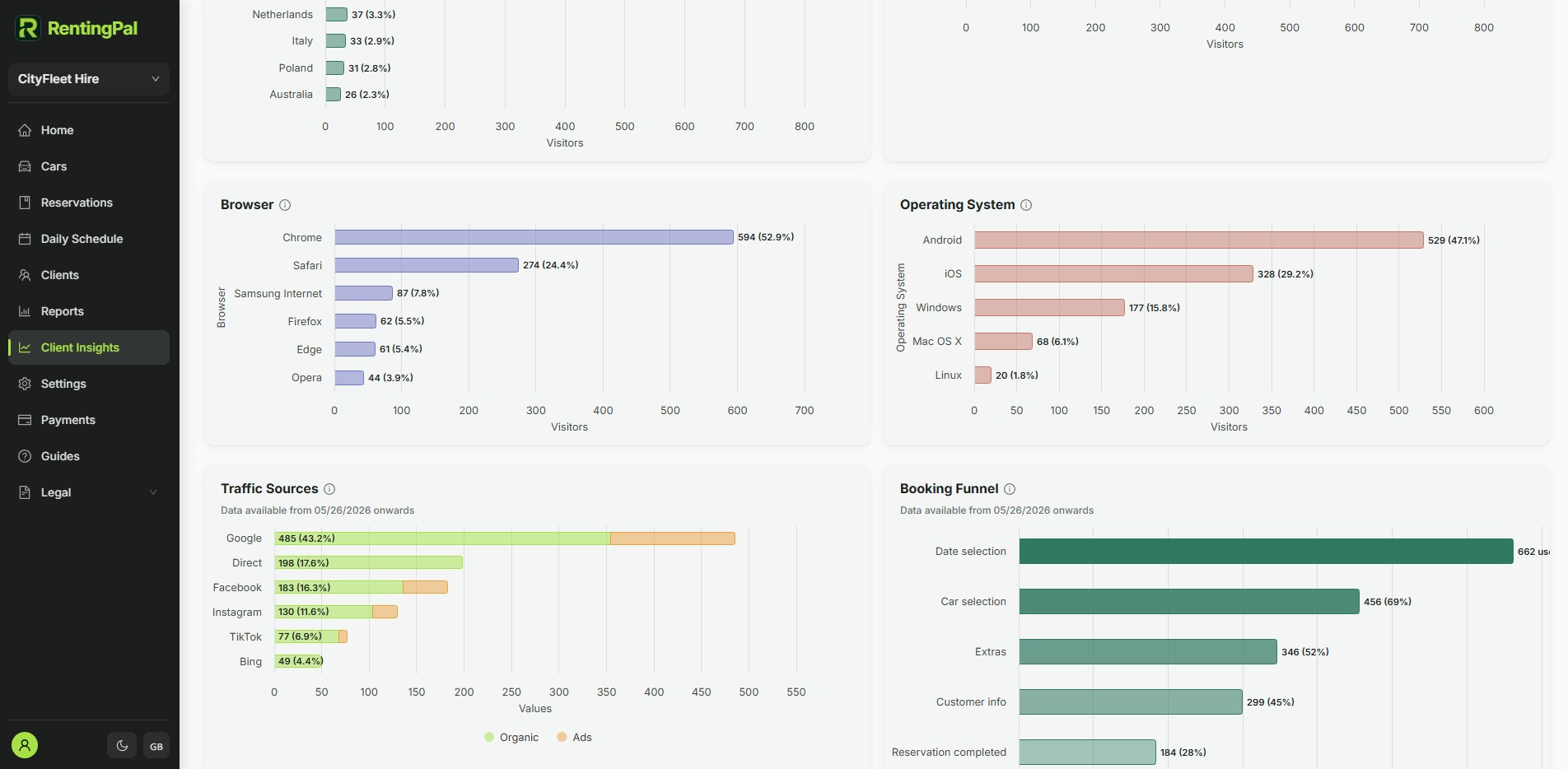
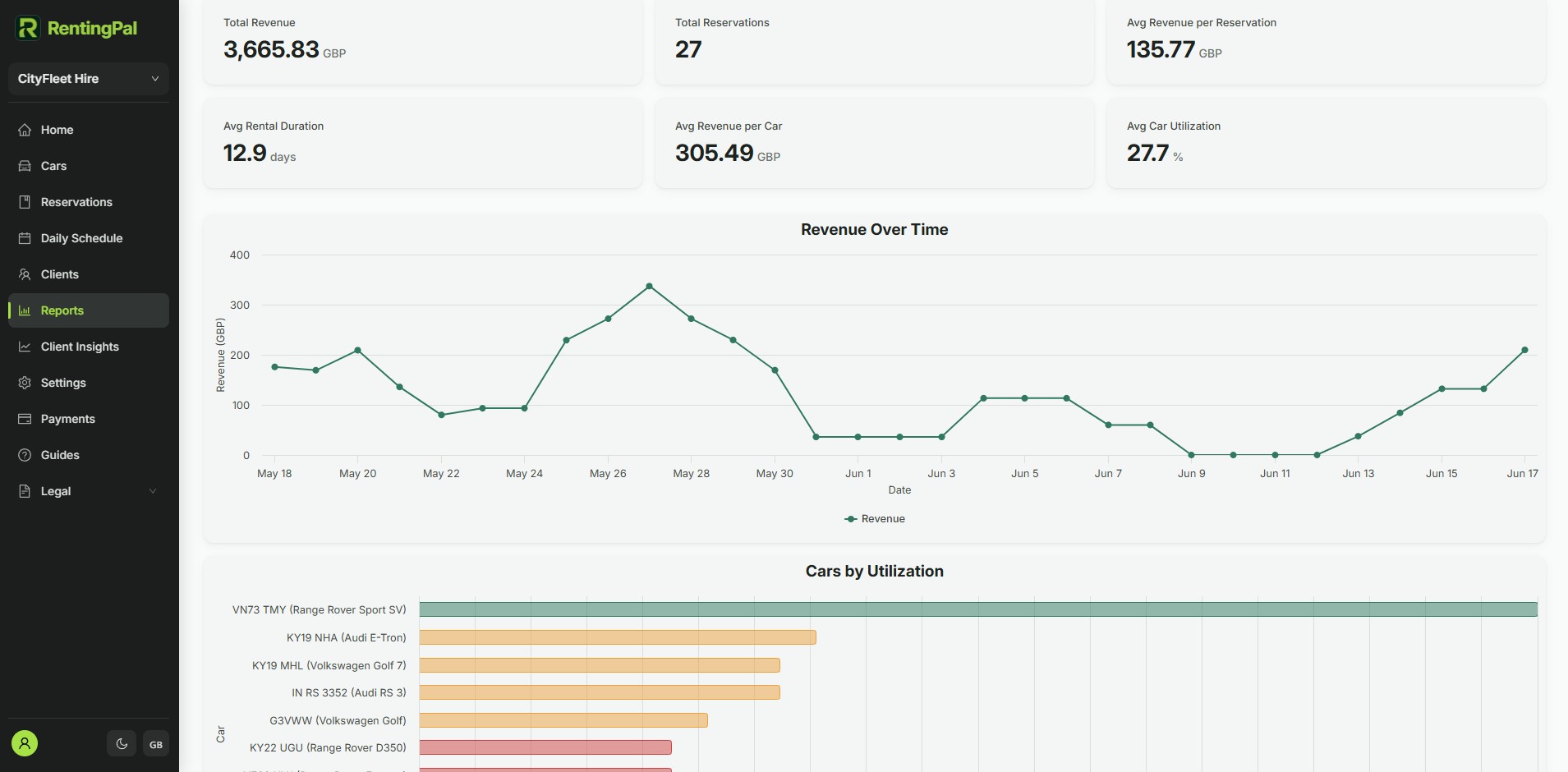
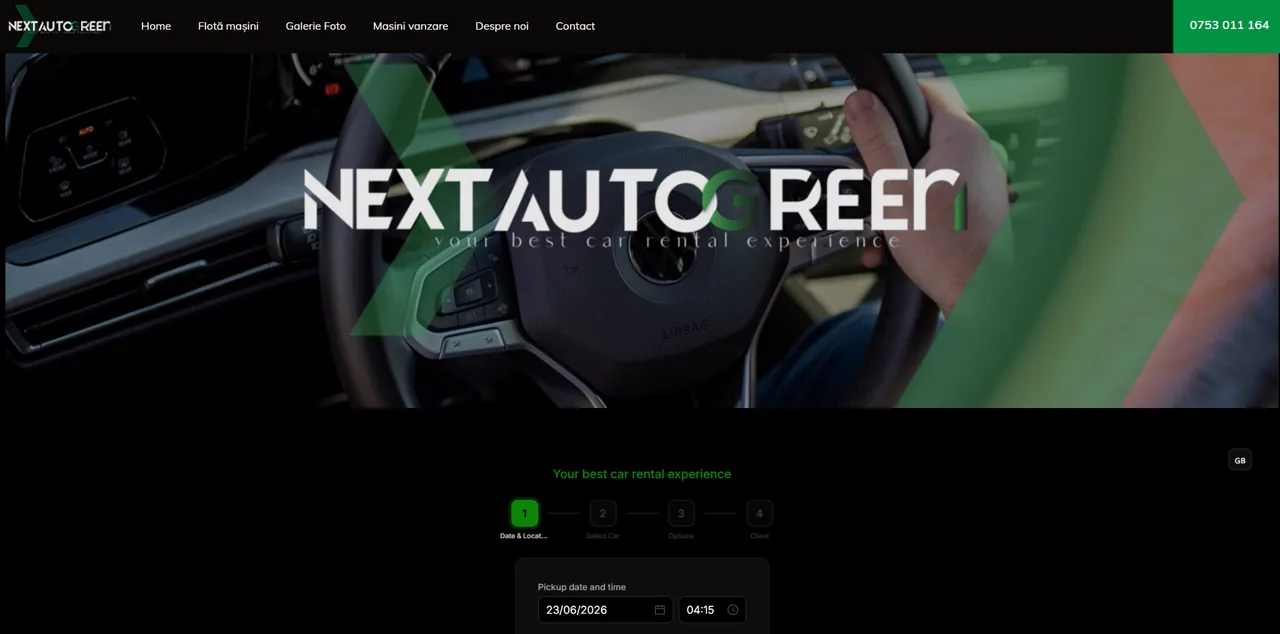
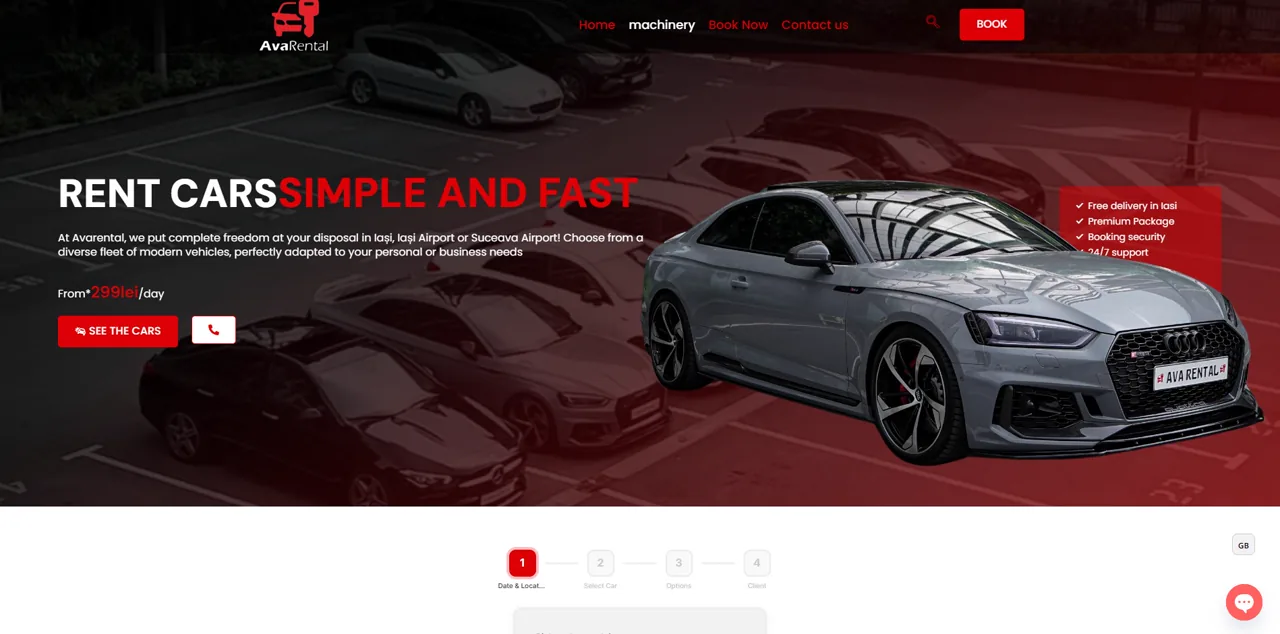
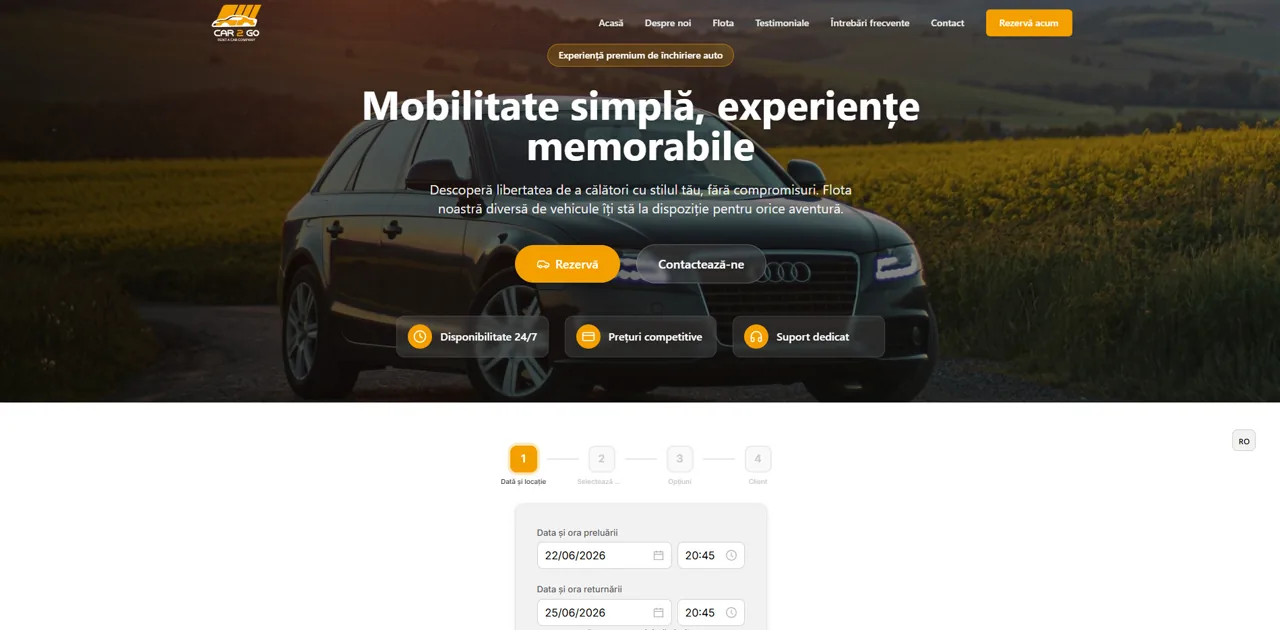
Give your Webflow site the booking flow customers expect. The script shows the widget on your website; the screenshots here show the RentingPal platform where your team manages reservations, live availability, contracts, invoices, support and fleet records after the booking comes in.
- Openly published pricing: €2 per car / month (€20 minimum), no quote needed
- 30-day free trial with no credit card required
- Built-in 24/7 online booking plus an embeddable widget for any website
- Available in any language, not limited to a fixed list
- Hands-on help migrating your existing data across
- Direct support from the people who build the product
Rental businesses already run on RentingPal
Frequently asked questions
Is RentingPal a Webflow app?
No. RentingPal gives you a script tag for your Webflow site. The script displays the booking widget for customers, while your team manages reservations, availability, contracts and invoices inside RentingPal instead of maintaining an app.
Will this limit my Webflow design?
No. Webflow still controls the page layout around the embed; RentingPal supplies the booking flow and rental operations.
Where does the widget render? Do I need a container div?
Place the booking form wherever customers should book on your website. Give it enough width and space for every booking step, then test the full page on desktop and mobile.
Is the widget responsive?
The booking form adapts to its available width. Some builders, including Wix, put it inside a separate HTML frame whose size you control. Check and resize that frame on desktop and mobile so results, quotes and Continue remain accessible.
Can I match it to my brand?
Yes. The widget reads background, foreground, accent color and language from the script URL, so you can align it with your site and choose the language. Your fleet's Widget Settings generates the final tag with these values for you.
More car rental website booking guides


RentingPal is not affiliated with Webflow. Platform names and trademarks belong to their respective owners. Setup options may change, so confirm the latest embed/code features in your site builder. Book a demo