Fines arrive after the customer has left
Traffic fines often arrive days or weeks later. Without clear reservation and customer context, staff waste time identifying responsibility and deciding whether the amount has been invoiced.
traffic fine management for car rental
RentingPal keeps fine records, status, amounts and fine invoice workflows in the same operational environment as clients, vehicles and reservations.
This page is for operators dealing with fines after a rental has ended. The intent is not generic ticket management; it is matching a fine to the correct vehicle, customer, rental period and billing workflow.
Traffic fines often arrive days or weeks later. Without clear reservation and customer context, staff waste time identifying responsibility and deciding whether the amount has been invoiced.
RentingPal keeps fine records, status, amounts and fine invoice workflows in the same operational environment as clients, vehicles and reservations.
How it works
Record the fine and connect it to the relevant fleet context
Review vehicle, customer and rental-period information
Track fine status and amount while follow-up is happening
Create a fine invoice when the amount needs to be billed onward
Connected records
The value is not the feature in isolation. It is how the record connects to the rest of the rental workflow.
Fine tracking and fine invoicing are built into RentingPal for fleets that enable the fines workflow.
RentingPal keeps fines close to vehicle, client and reservation context, making follow-up much easier than searching separate records.
Yes. RentingPal includes fine invoice workflows for fleets that use this part of the system.
Yes. Even a small number of unresolved fines can create admin drag and missed recovery if responsibility is not tracked clearly.
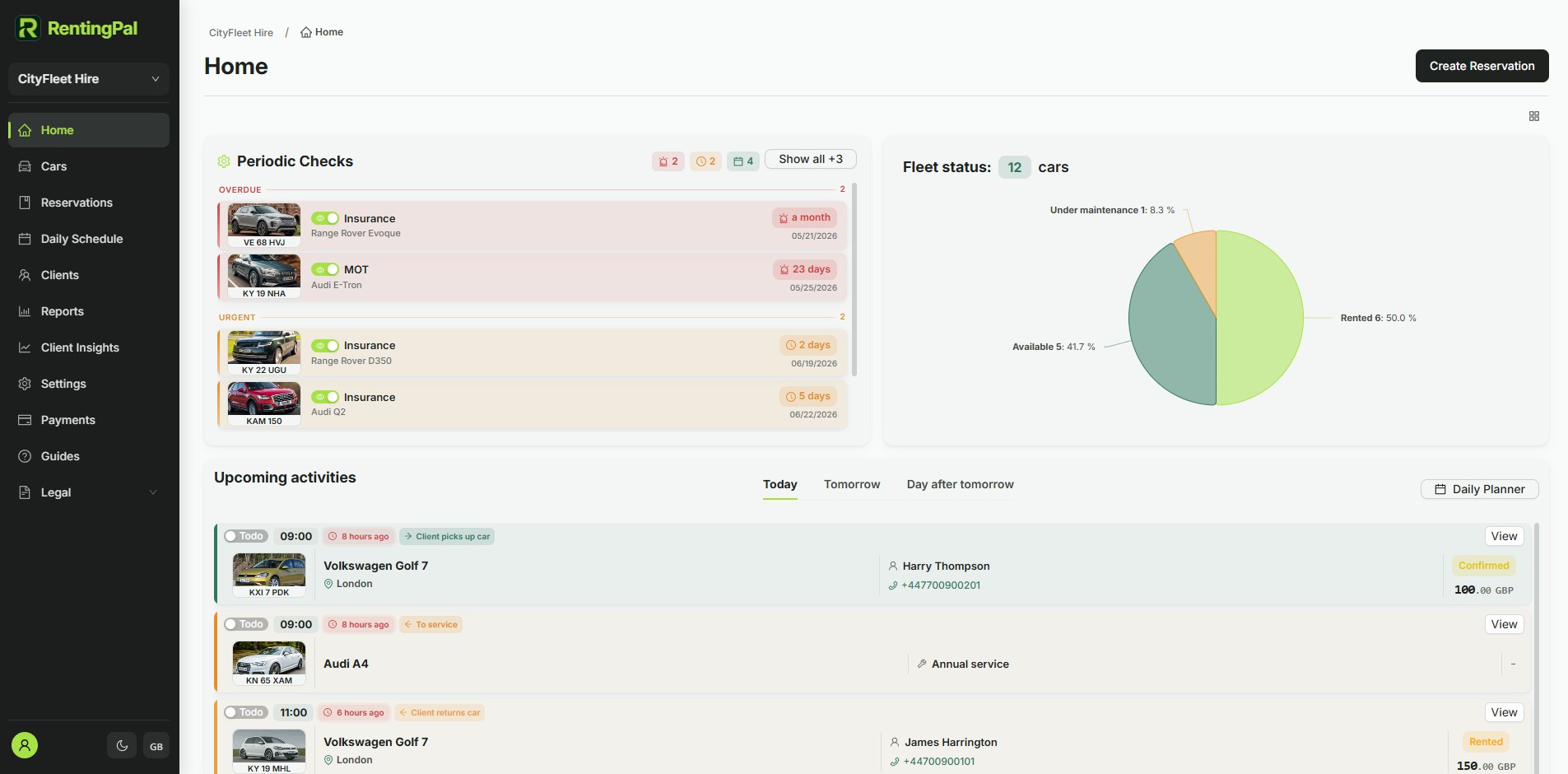
RentingPal product tour
Bring bookings, vehicles, clients, contracts, invoices and reporting into one rental workspace your team can actually use every day.
Rental businesses already run on RentingPal