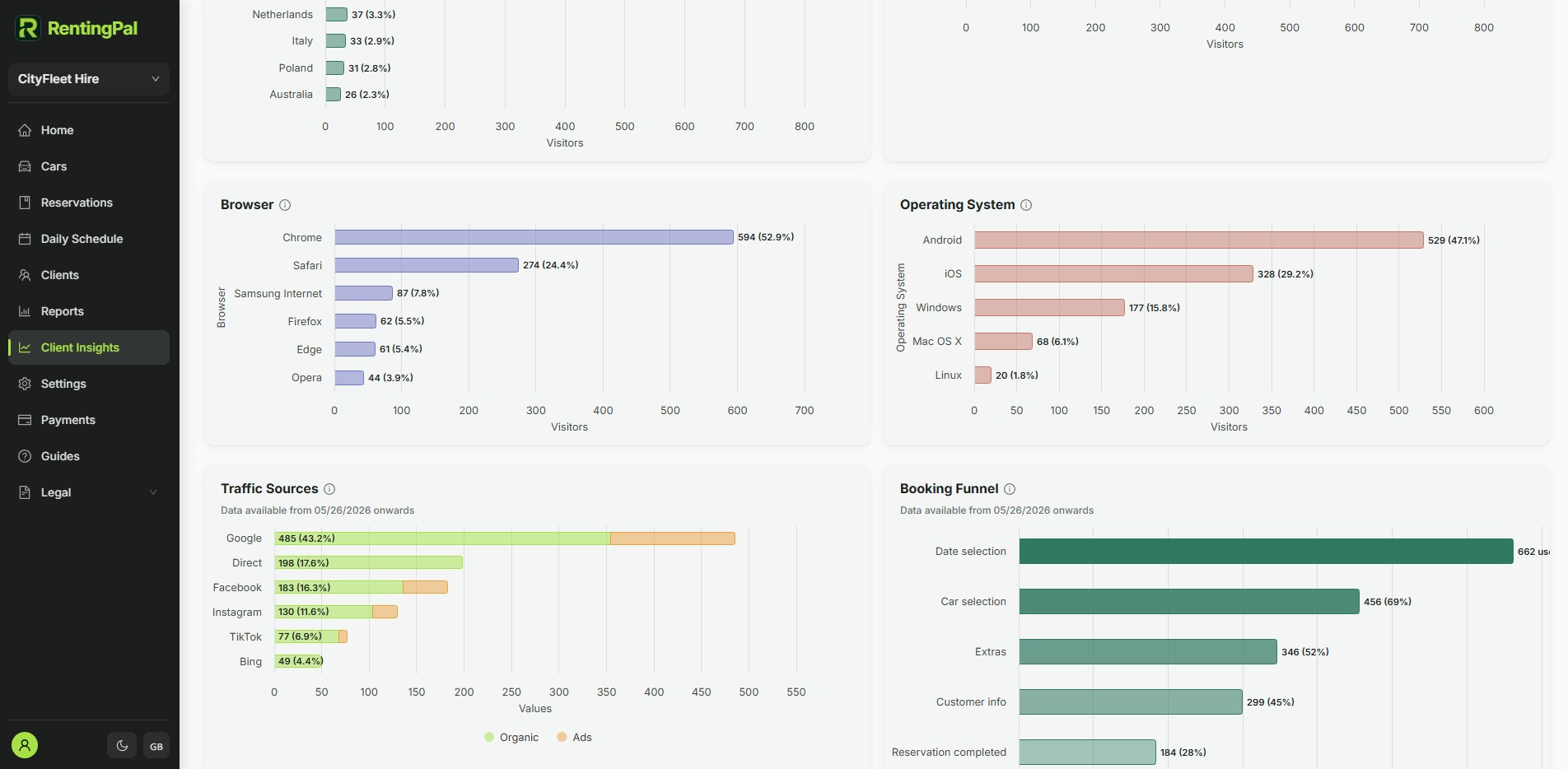
Reports are usually rebuilt after the fact
When operational data lives in several places, reporting becomes a monthly reconstruction exercise. Staff export, copy and compare records instead of seeing the business through the system they use daily.
car rental reporting software
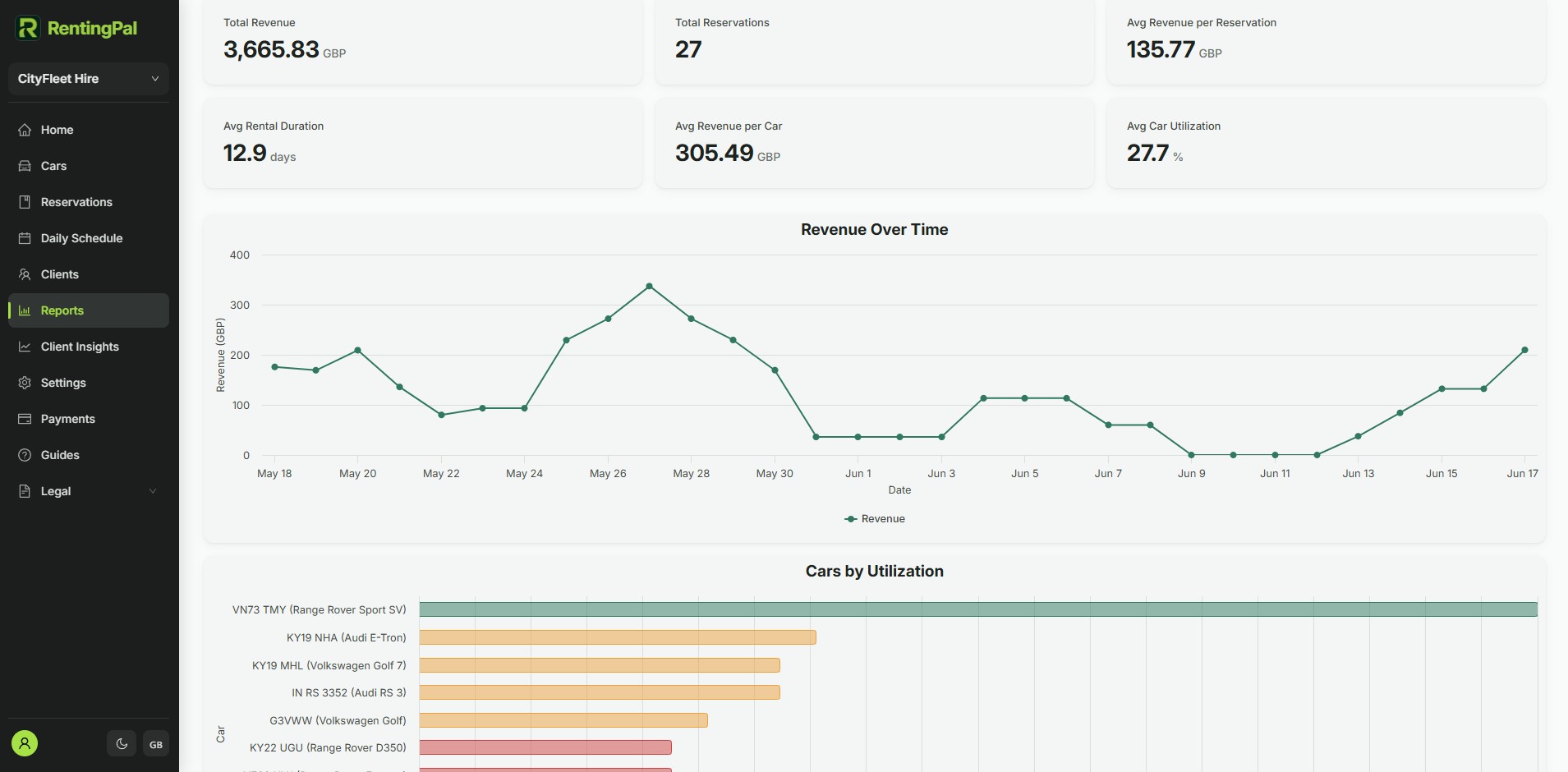
RentingPal turns reservation, fleet, invoice, damage, fine and client data into operational reporting so managers can spot issues earlier.
This page targets operators who want reporting from actual rental operations, not a disconnected analytics dashboard. The useful reports come from reservations, vehicles, invoices, clients, damages and fines already managed in the system.
When operational data lives in several places, reporting becomes a monthly reconstruction exercise. Staff export, copy and compare records instead of seeing the business through the system they use daily.
RentingPal turns reservation, fleet, invoice, damage, fine and client data into operational reporting so managers can spot issues earlier.
How it works
Reservations, clients, invoices, damages and fines are recorded during daily work
Reports use that operational data instead of a separate spreadsheet
Managers review revenue, fleet activity and issue areas
Insights feed back into pricing, maintenance, follow-up and staffing decisions
Connected records
The value is not the feature in isolation. It is how the record connects to the rest of the rental workflow.
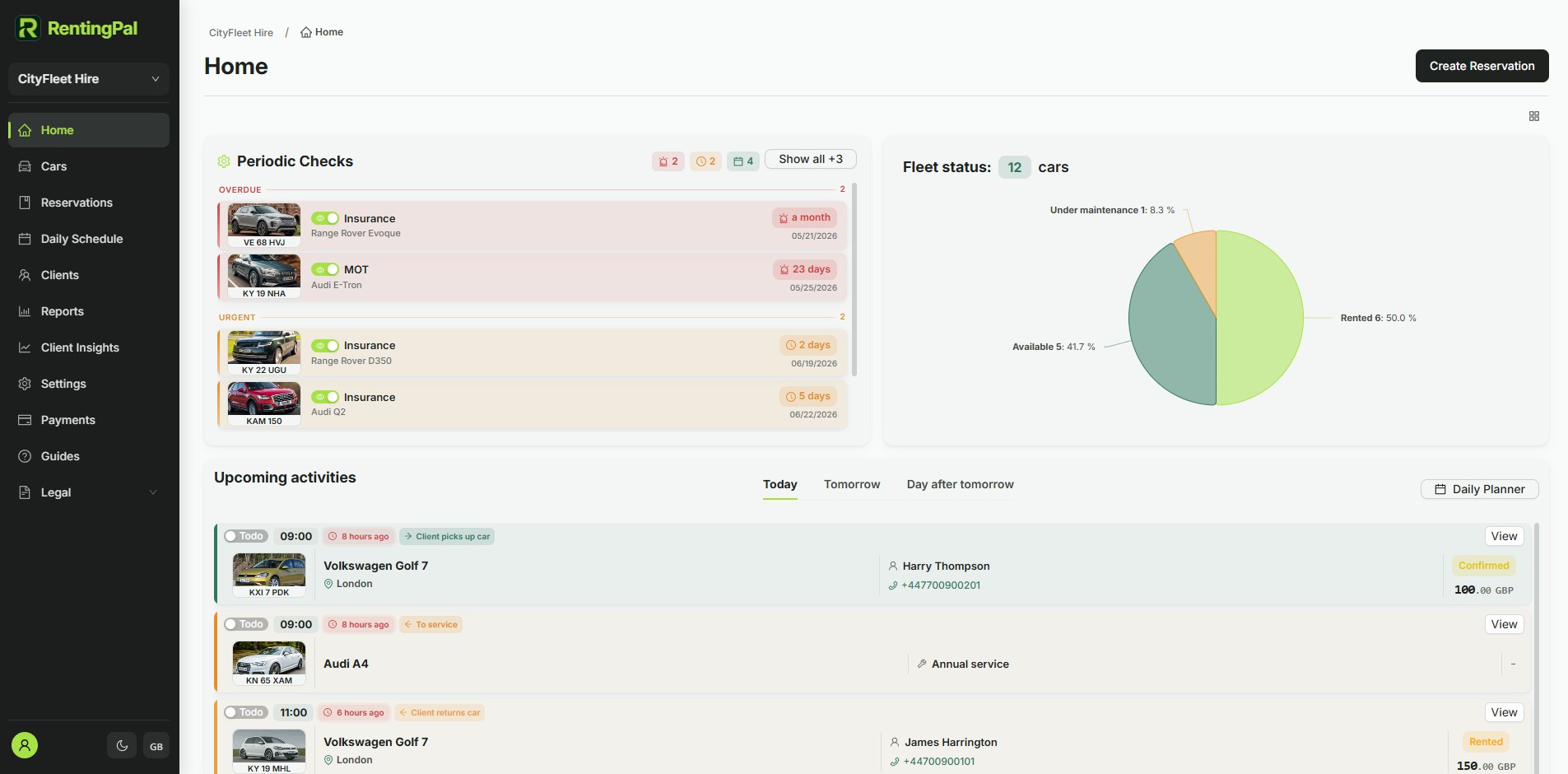
Reports are built from the same reservations, clients, vehicles and financial records your team already manages in RentingPal.
Rental reporting needs operational context: vehicles, dates, customers, invoices, damages and fines all affect the picture.
The goal is to use records already managed in RentingPal, reducing the need to rebuild reports from scratch.
Yes. When those workflows are enabled and used, RentingPal can surface damage and fine context in reports.
RentingPal product tour
Bring bookings, vehicles, clients, contracts, invoices and reporting into one rental workspace your team can actually use every day.
Rental businesses already run on RentingPal