Invoices drift away from the rental record
When invoices are created outside the rental workflow, staff have to reconstruct dates, clients, cars and amounts. That creates mistakes and makes it harder to answer customer questions later.
car rental invoicing software
RentingPal keeps invoice work close to reservations and clients, so billing follows the same operational data your team already manages.
This page targets rental companies that need invoicing tied to real rental activity, not a generic accounting page. The pain is matching rentals, customers, charges and follow-up without rebuilding invoice details by hand.
When invoices are created outside the rental workflow, staff have to reconstruct dates, clients, cars and amounts. That creates mistakes and makes it harder to answer customer questions later.
RentingPal keeps invoice work close to reservations and clients, so billing follows the same operational data your team already manages.
How it works
Choose the client or rental records that need billing
Prepare an invoice using the reservation and customer context
Generate and send the invoice when it is ready
Keep the invoice available from the customer history
Connected records
The value is not the feature in isolation. It is how the record connects to the rest of the rental workflow.
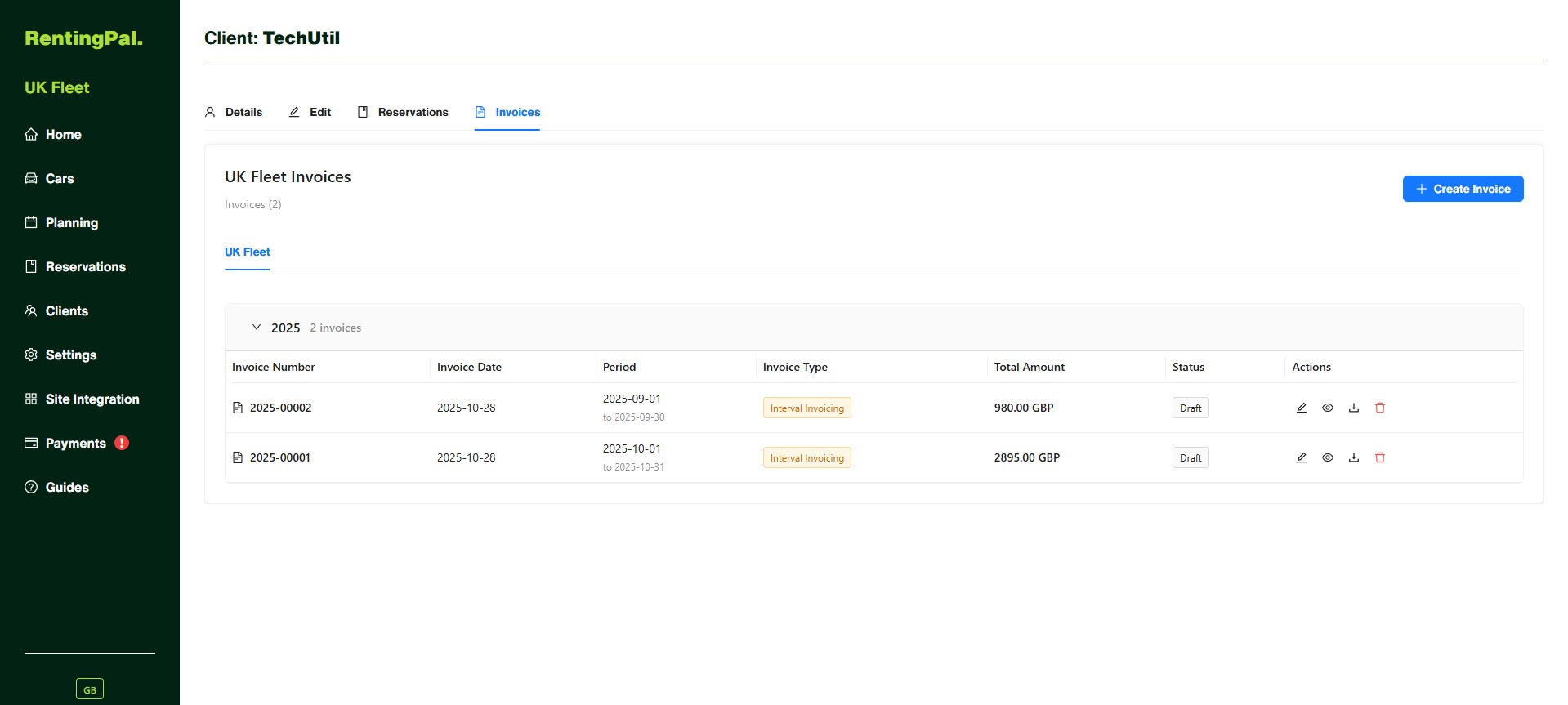
Invoice records live with the client, so your team can see what was billed without digging through local files.
No. RentingPal focuses on rental operational invoicing: creating and tracking invoices around reservations, clients and related rental workflows.
Yes. Client history is a core part of the workflow, so invoices do not become isolated documents.
RentingPal includes fine invoice workflows for fleets that use traffic fine management.
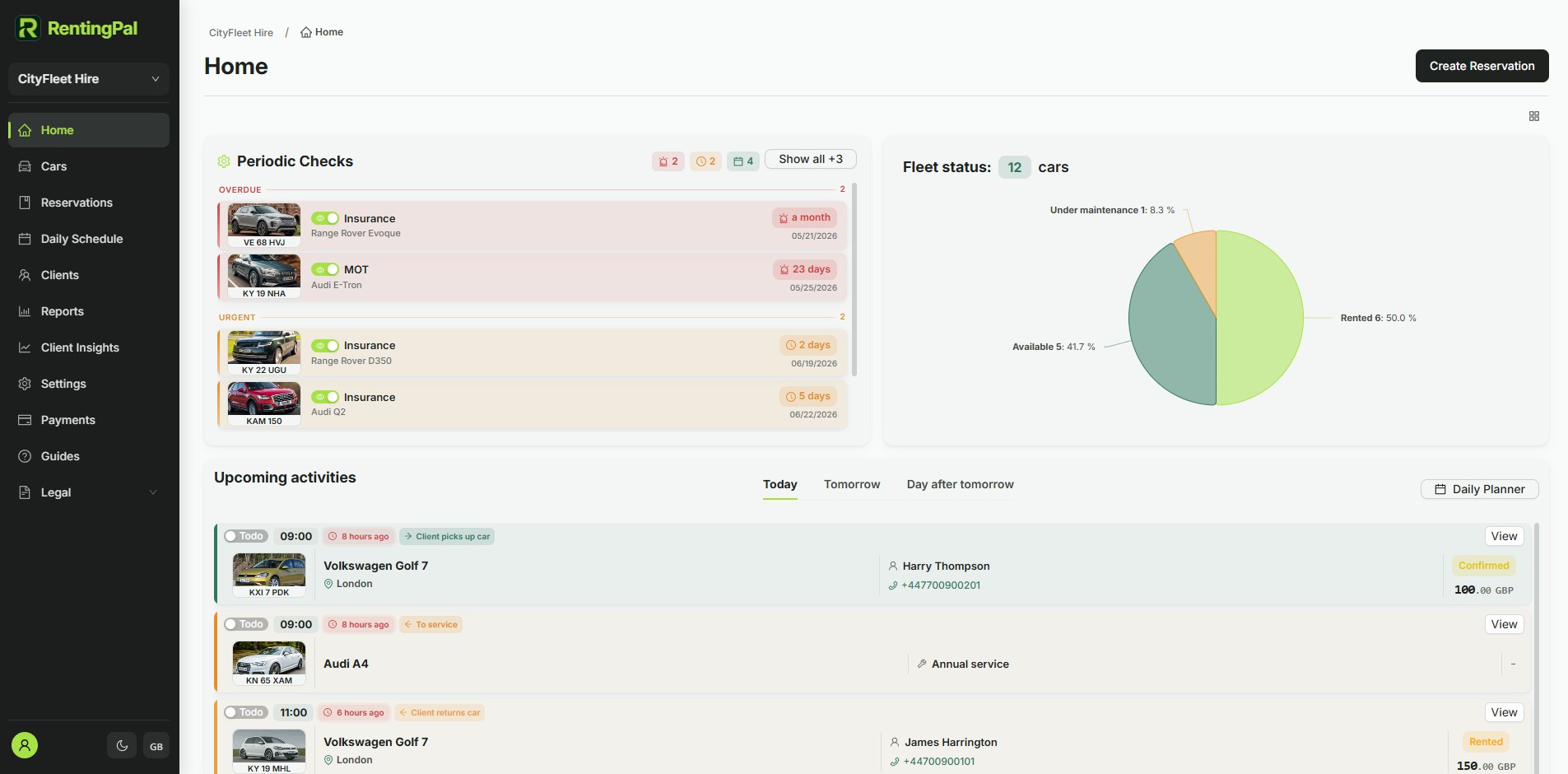
RentingPal product tour
Bring bookings, vehicles, clients, contracts, invoices and reporting into one rental workspace your team can actually use every day.
Rental businesses already run on RentingPal