Damage history gets lost between rentals
Photos, repair notes and costs often live on staff phones or in disconnected folders. By the time a repeat issue appears, the team cannot easily see the full history.
vehicle damage tracking software
RentingPal keeps damage cases connected to vehicle records and reporting, so damage follow-up becomes part of fleet operations instead of a scattered evidence trail.
This page is for rental companies that need damage history tied to cars and rentals. The intent is accountability: what happened, which vehicle was affected, what it cost and whether patterns are emerging.
Photos, repair notes and costs often live on staff phones or in disconnected folders. By the time a repeat issue appears, the team cannot easily see the full history.
RentingPal keeps damage cases connected to vehicle records and reporting, so damage follow-up becomes part of fleet operations instead of a scattered evidence trail.
How it works
Create a damage case for the affected vehicle
Record the damage details, status and financial impact
Keep evidence and notes attached to the case
Use damage reports to understand recurring costs and problem vehicles
Connected records
The value is not the feature in isolation. It is how the record connects to the rest of the rental workflow.
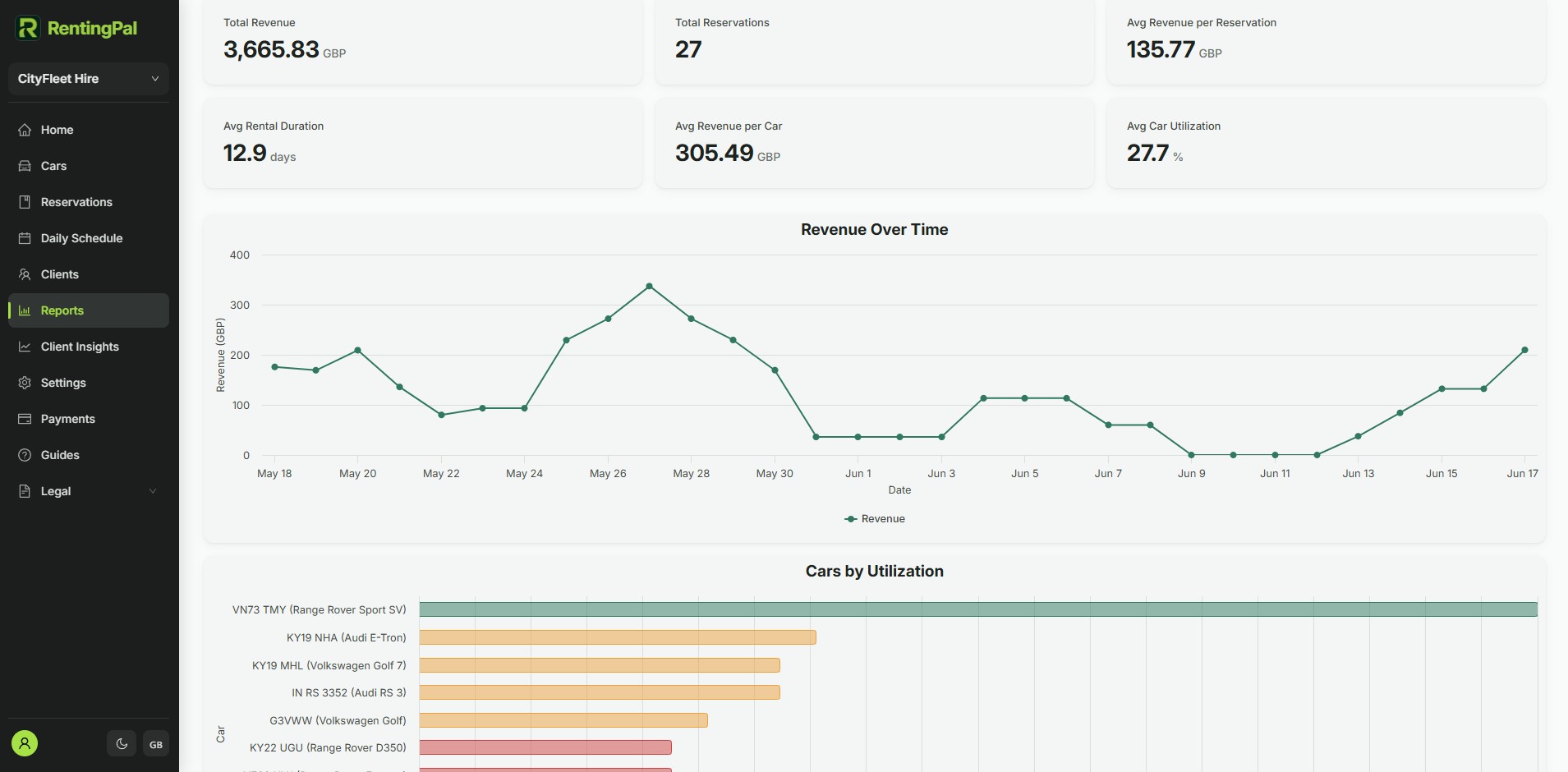
Damage cases and damage reports are available as dedicated RentingPal workflows.
Yes. Damage tracking is vehicle-centered, so the case becomes part of the car's operational history.
Yes. Damage reports help operators understand cost and volume instead of treating every case as an isolated note.
Yes. Smaller fleets often feel damage costs more sharply, so keeping evidence and history organized matters.
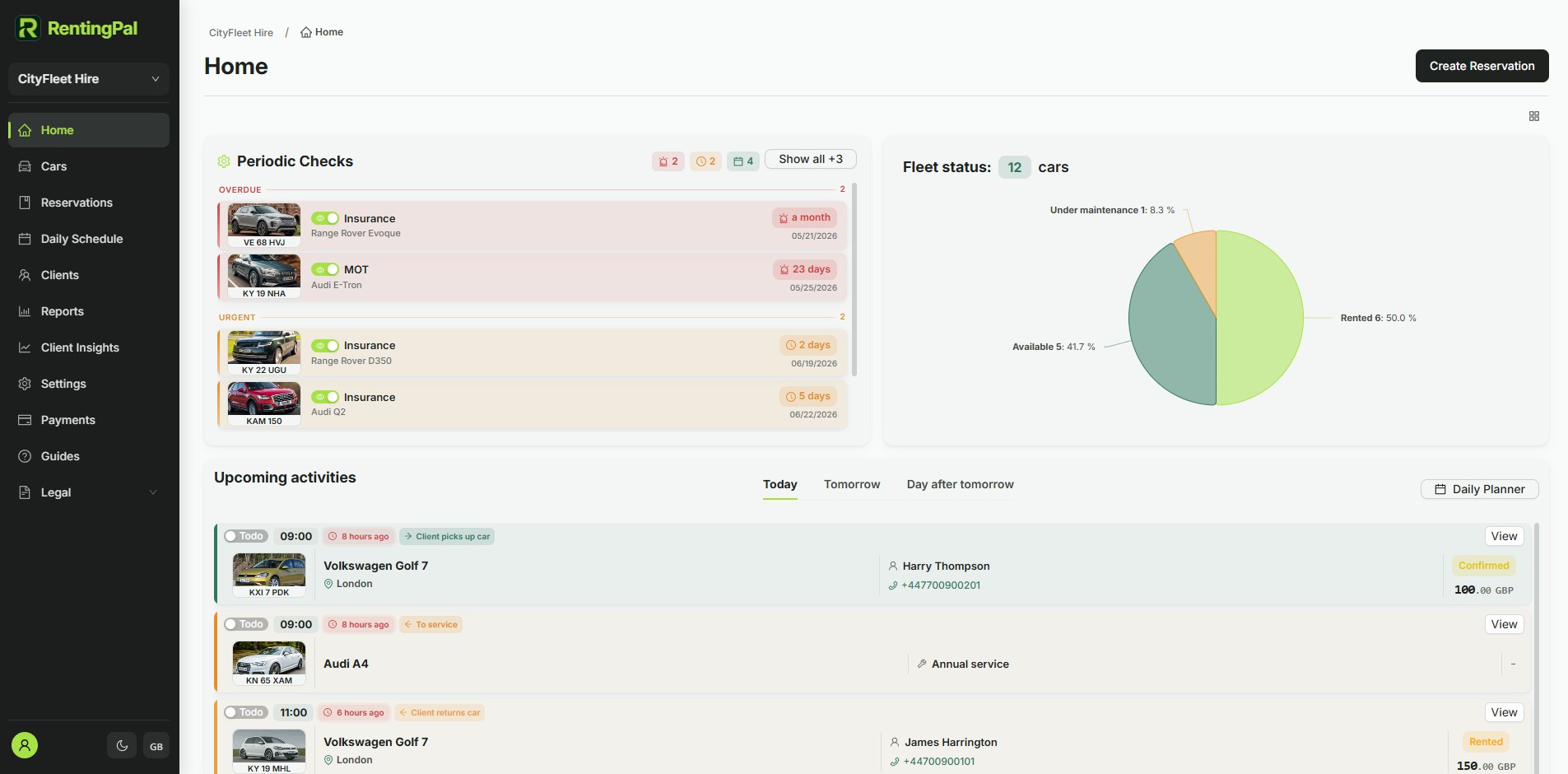
RentingPal product tour
Bring bookings, vehicles, clients, contracts, invoices and reporting into one rental workspace your team can actually use every day.
Rental businesses already run on RentingPal