rezervări auto Jimdo
Adaugă rezervări auto pe site-ul tău Jimdo
Jimdo e accesibil pentru site-uri de afaceri mici, mai ales în Europa, dar nu e construit pentru operarea unui birou de închirieri. RentingPal adaugă un widget de rezervare pe site și menține rezervările, disponibilitatea flotei, contractele, facturile și evidențele clienților într-un singur loc.
Instalare într-o singură linie
Adaugă rezervări pe Jimdo site într-o singură linie de cod
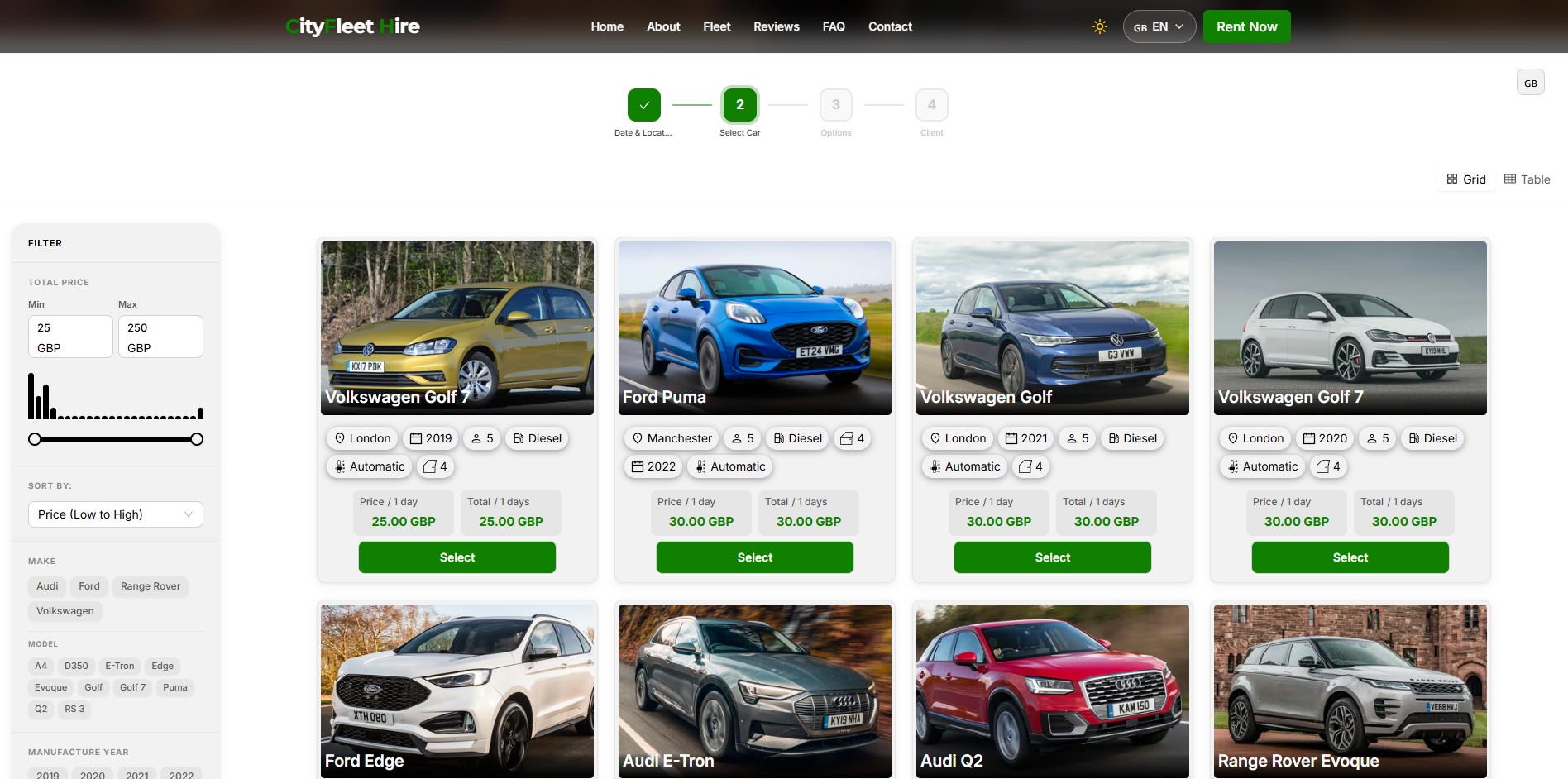
RentingPal îți oferă un singur tag script. Lipește-l oriunde pe pagină – widgetul se afișează exact acolo, ocupând toată lățimea containerului. Nu e nevoie de un div. Fiecare rezervare ajunge în RentingPal, unde echipa ta gestionează flota.
<script id="renting-pal-widget-script" src="https://renting-pal.com/renting-pal-widget.js?fleet=YOUR_FLEET_ID"></script>Sfat: plasează-l într-o secțiune cu lățime completă, ideal sub hero, pentru ca widgetul să se afișeze de la margine la margine.
- Copiază script-ul widget-ului RentingPal din Setările Widget
- Adaugă-l într-o secțiune Jimdo care acceptă cod personalizat sau HTML
- Vizitatorii rezervă vehicule de pe site-ul tău Jimdo
- Echipa ta gestionează fluxul de închiriere în RentingPal
Sistem de rezervări auto RentingPal
Adaugă rezervări auto pe site-ul tău Jimdo
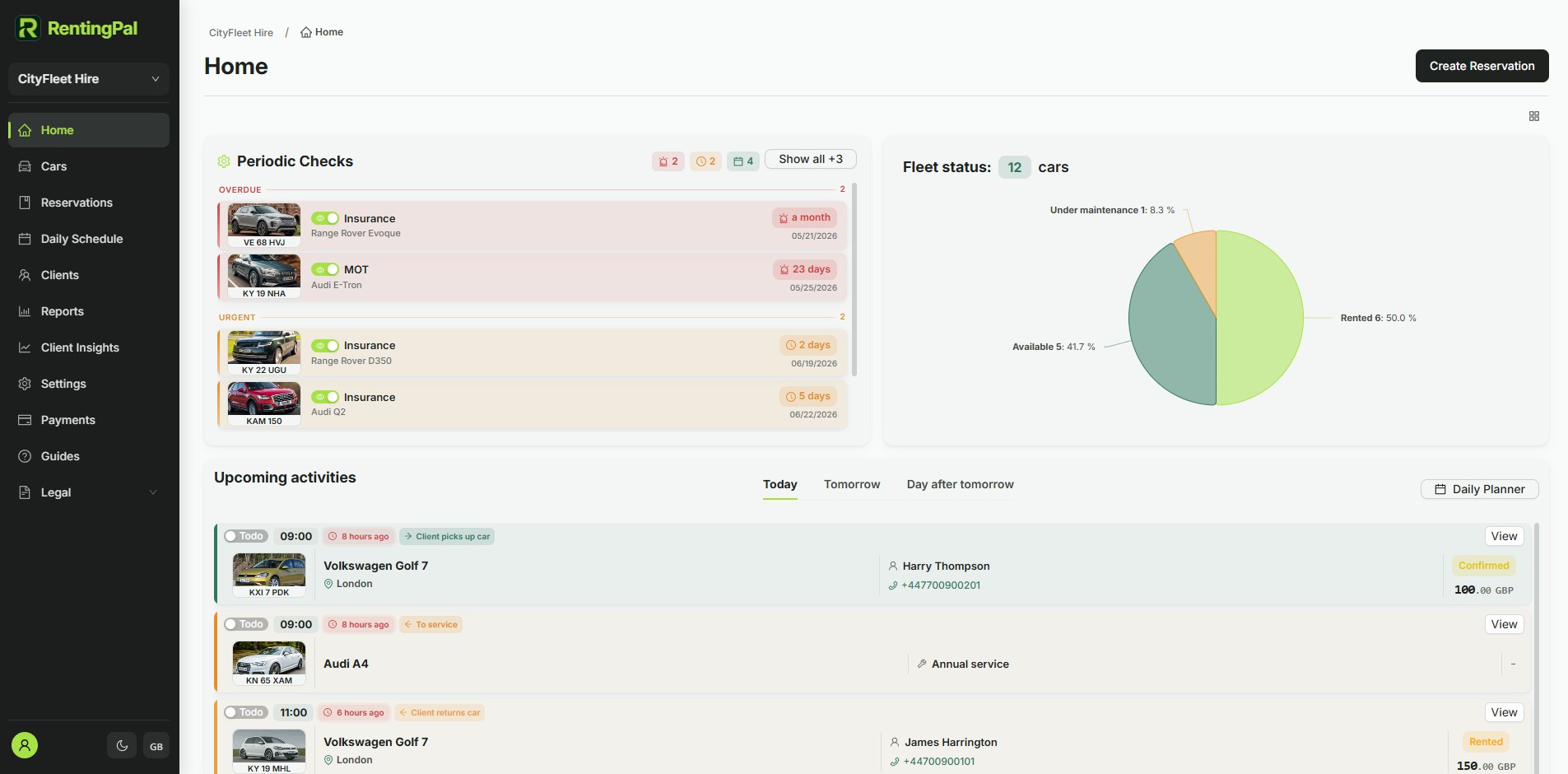
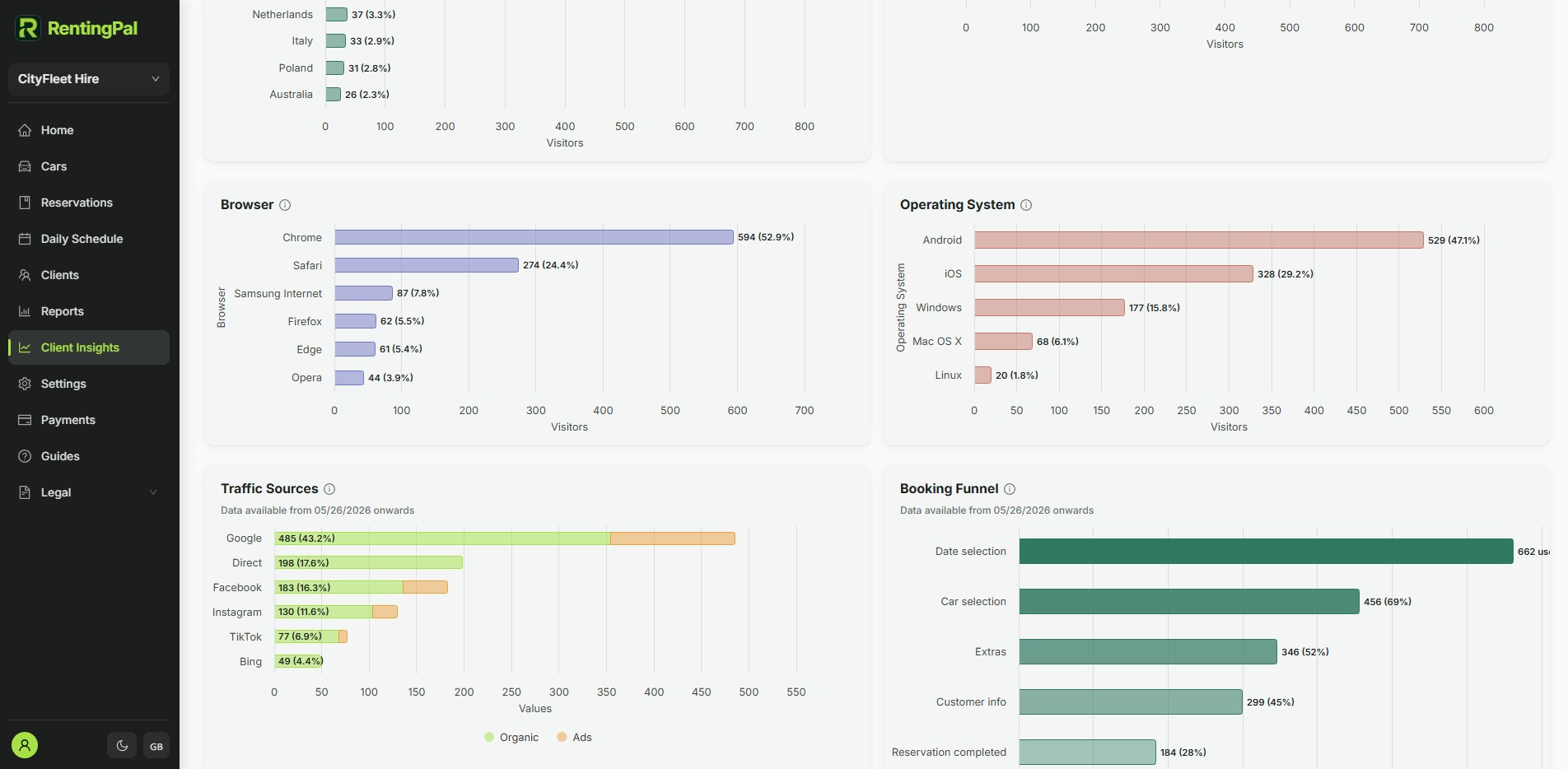
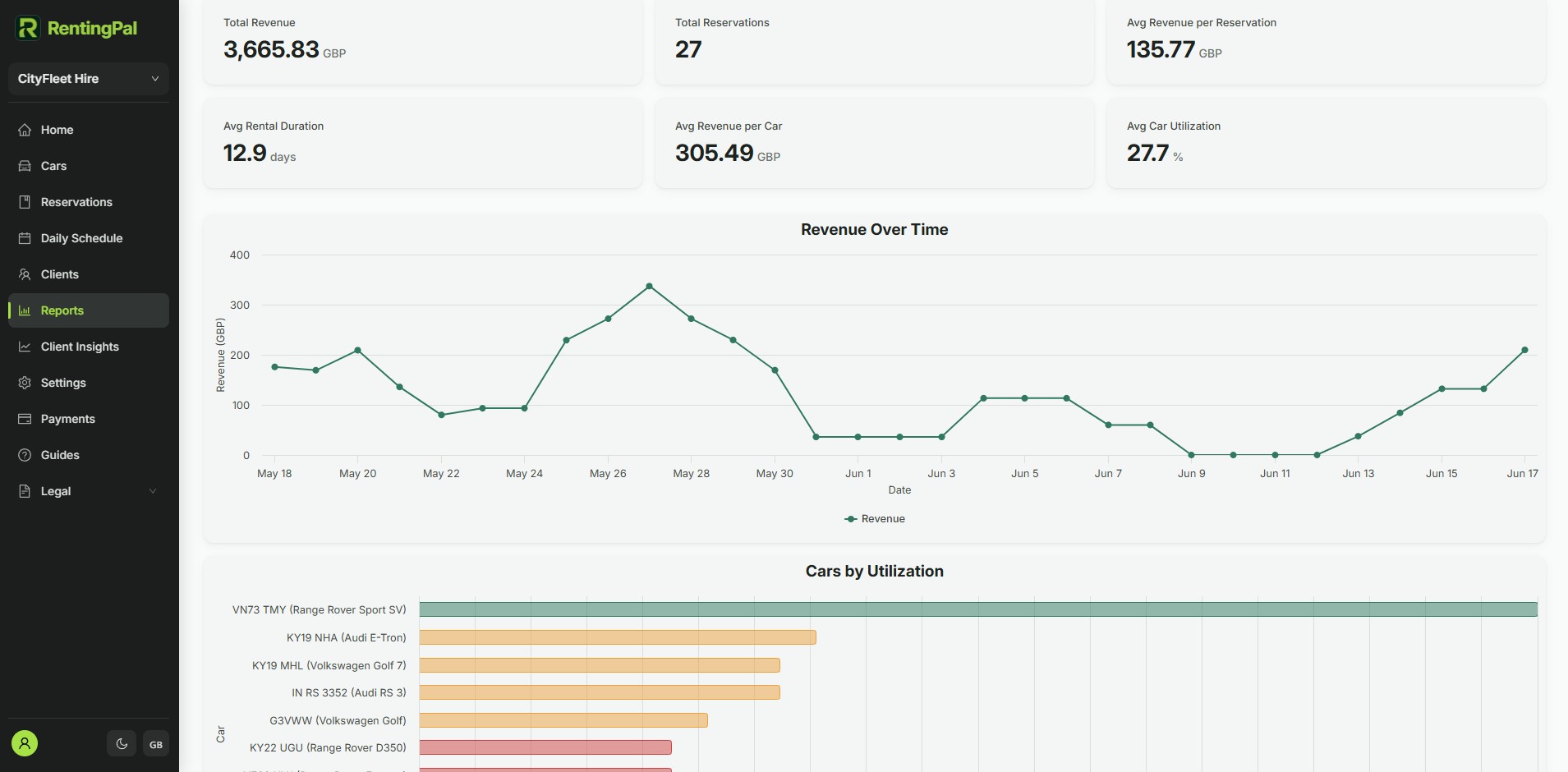
Oferă-i Jimdo site fluxul de rezervare pe care clienții îl așteaptă. Scriptul afișează widgetul pe site-ul tău; capturile de ecran de aici arată platforma RentingPal unde echipa ta gestionează rezervări, disponibilitate, contracte, facturi, suport și evidențe ale flotei.
- Prețuri publicate transparent: 2 € pe mașină / lună (minim 20 €), fără ofertă cerută
- Perioadă gratuită de 30 de zile, fără card
- Rezervări online 24/7 incluse plus widget integrabil în orice site
- Disponibil în orice limbă, nu limitat la o listă fixă
- Ajutor practic pentru migrarea datelor existente
- Suport direct de la oamenii care construiesc produsul
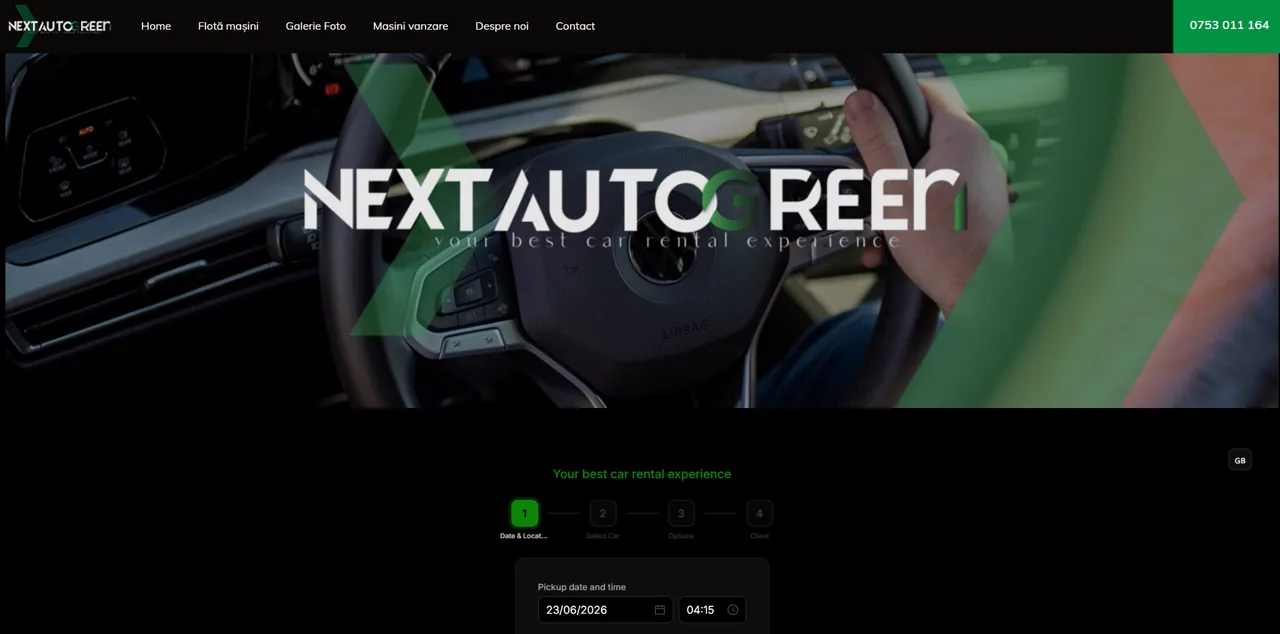
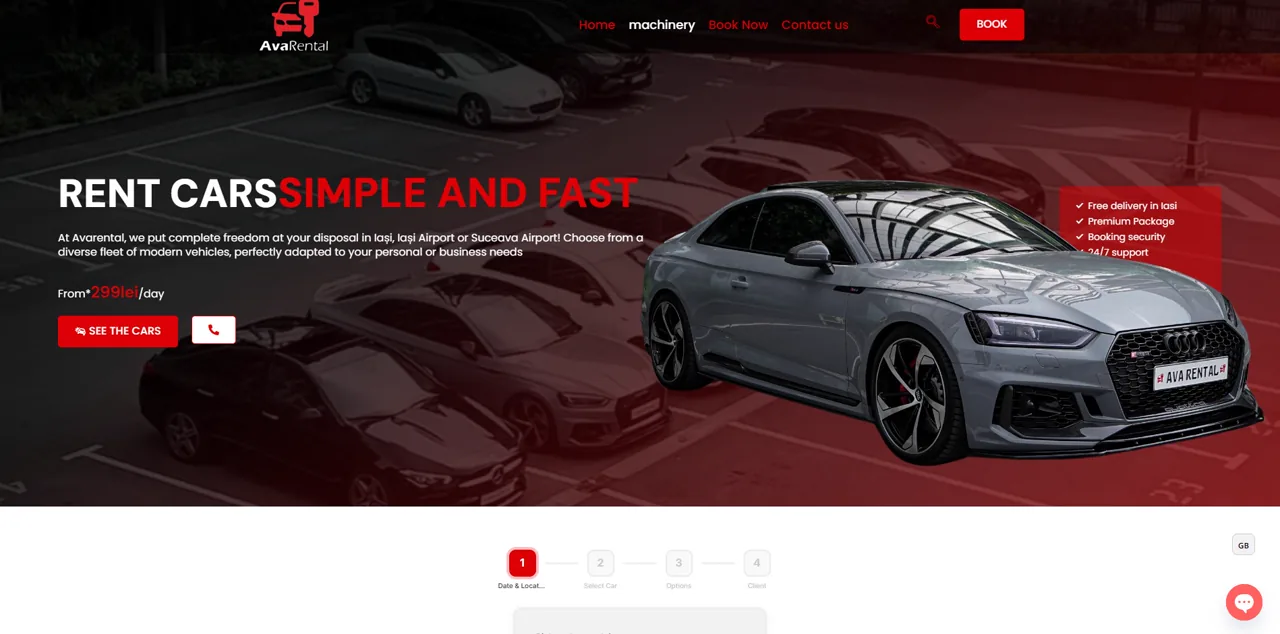
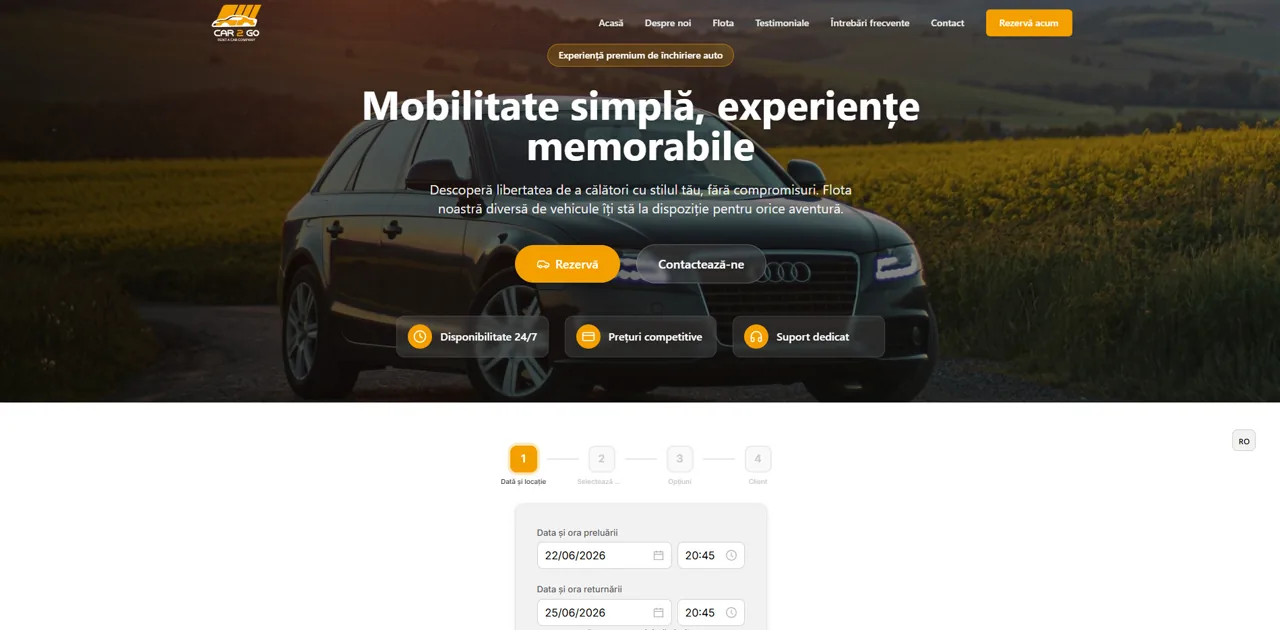
Firme de închirieri auto folosesc deja RentingPal
Întrebări frecvente
RentingPal este un widget Jimdo?
Nu. RentingPal îți oferă un tag script pentru site-ul tău Jimdo. Script-ul afișează widget-ul de rezervare pentru clienți, în timp ce echipa ta gestionează rezervările, disponibilitatea, contractele și facturile în RentingPal.
Ce fac dacă planul meu Jimdo nu suportă cod personalizat?
Folosește un buton care face link către pagina ta de rezervare RentingPal, sau treci la un plan/setup care suportă cod personalizat integrat.
Unde apare widget-ul? Am nevoie de un container div?
Nu este necesar un container. Script-ul randează widget-ul de rezervare exact unde plasați tag-ul și umple întreaga lățime a elementului înconjurător. Pentru o afișare la lățime completă, plasați-l într-o secțiune full-width, ideal sub hero.
Widget-ul este responsiv?
Da. Ocupă 100% din lățimea disponibilă și își ajustează automat înălțimea la conținut – fără scrollbar-uri interne pe desktop sau mobil. Înălțimea se actualizează automat pe măsură ce clientul parcurge pașii de rezervare.
Pot să-l potrivesc cu brandul meu?
Da. Widget-ul citește culoarea de fundal, prim-plan, accent și limba din URL-ul script-ului. Setările Widget din flota dvs. generează tag-ul final cu aceste valori.
Mai multe ghiduri de rezervări auto pentru site-uri


RentingPal nu este afiliat cu Jimdo. Numele și mărcile comerciale aparțin deținătorilor respectivi. Opțiunile de configurare se pot schimba – confirmă cele mai recente funcții de încorporare/cod în constructorul tău de site. Programează un demo